5
ENGLISH
FRANCAIS
DEUTSCH
NEDERLANDS
ESPANOLITALINO PORTUGUES
SVENSKA
DANSK
DANSK
SVENSKAPORTUGUES ITALINOESPANOL NEDERLANDSDEUTSCH
FRANCAIS
ENGLISH
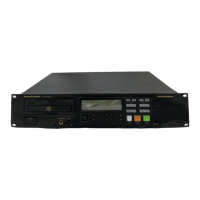
Name and Operation of Each Part
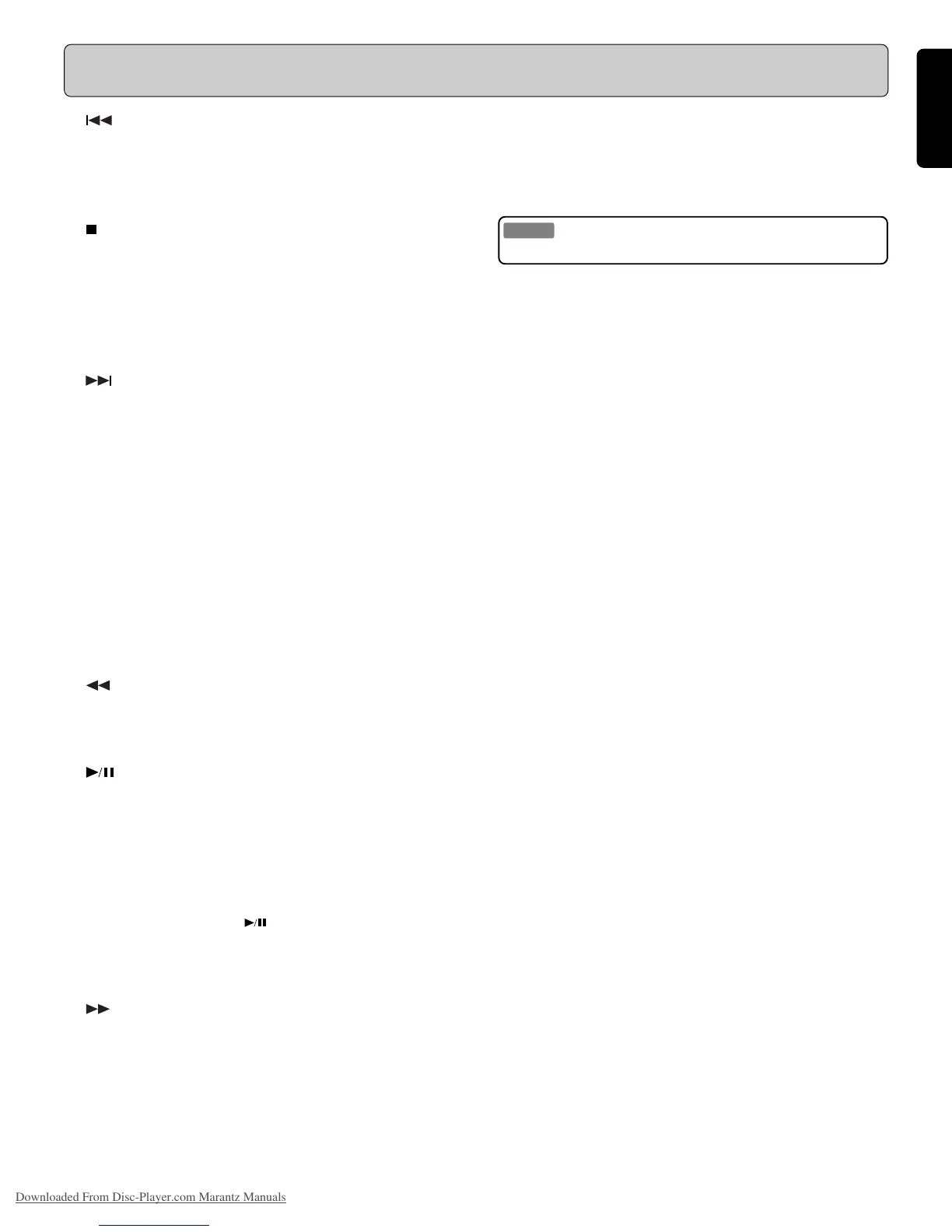
!2 (Track skip back)
Press this button while a CD is playing to send the player back
to the beginning of the current track. Pressing this button more
than once sends the player back that many tracks.
!3 / EXIT (Stop/Exit)
- This button has two functions: STOP and EXIT.
- Press this button to stop a CD that is currently playing.
- In Play Mode/Preset setting or Program entry mode, press
this button to return to the normal mode.
- Press this button twice to clear a set CUE point.
!4 (Track skip forward)
Press this button while a CD is playing to send the player ahead
to the beginnig of the next track. Pressing this button more
than once sends the player ahead that many tracks.
!5 CUE/CLEAR
This button has two functions: CUE and CLEAR.
- Press this button to perform the cue operation.
(See also page 12.)
- In program entry mode, press this button to clear a programmed
track.
- In Play Mode/Preset setting mode, press this button to cancel
a change that has not been confirmed.
!6 (Fast reverse)
When playing a CD, press this button to scan backwards quickly
through the current track.
!7 (Play/pause), ENTER
This button has three functions: PLAY, PAUSE, and ENTER.
- If playback is paused or when performing a search, press
this button to begin playing the CD.
- If the CD is stopped, pressing this button causes the CD
player to search for the first track and begin playing.
- If the CD is playing, pressing this button pauses playback.
While a CD is paused, the !7 button flashes.
- In Play Mode/Preset setting or Program entry mode, press
this button to save a change.
!8 (Fast forward)
When playing a CD, press this button to scan forwards quickly
through the current track.
!9 CONTRAST (LCD contrast)
This is used to adjust the LCD displayt contrast. Turning this
control clockwise using a small screwdriver causes the dis-
play contrast to become stronger; turning this control counter-
clockwise causes the display to become fainter.
Caution
Do not use excessive force when turning the screwdriver.
@0 PITCH/SEARCH (Pitch/Search dial)
(PMD331/PMD340 only)
While playing
Turn this dial in the clockwise direction to increase the pitch
speed; turning this dial in the counterclockwise direction de-
creases the pitch speed. (maximum: +/–12%)
The position of the pitch control is indicated on the LCD dis-
play F.
While paused
To conduct a frame search in the forward direction, turn this
dial clockwise; to conduct a frame search in the reverse
direction, turn this dial counterclockwise.
@1 INDEX –
Press this button to search for the previous index.
Each time the INDEX – button is pressed, the INDEX number
that is displayed decreases by “1”.
@2 MODE
Press this button to change or check the playback mode.
(See also page 14.)
@3 END
- Press this button while playback is paused to monitor the end
of the track. The monitor time can be set between 5 to 35
seconds through the Preset menu.
(See also page 17.)
- The END button lights while the End Monitor operation is in
progress.
@4 INDEX +
Press this button to search for the next index.
Each time the INDEX + button is pressed, the INDEX number
that is displayed increases by “1”.
Downloaded From Disc-Player.com Marantz Manuals



 To Next Page