56
3.
Set the start time.
• While the “Start Time” is highlighted, press the 1/3/ENTER
button.
• Pressthe8 or 9 button to select AM/PM, hour or minute.
• Pressthe8 or 9 button to select the item.
• PressthePITCH + or PITCH – button to select the value.
• PresstheENTER button to finish setting the time.
4.
Select the file.
• While the “File Name” is highlighted, pressthe 1/3/ENTER
button.
• Thefilelistappearsonthedisplay.
• PressthePITCH + or PITCH – button to select the file you wish
to play. Then press the 1/3/ENTER button.
5.
Store the changes.
• During setting, press the
(F1: EXIT) button. “Store?”
appears on the display.Select “Yes” to store the setting and
return to Utility menu. Or select “No” to return to the Utility menu
without storing any changes.
• During setting, press the STOP button to return to the stop
mode without storing any changes.
5) Load Settings
The “Load Settings” menu allows you to load all of the preset value
from an SD card in the PMD661MK
II.
When performing load settings, use an SD card in which the preset
contents from Save Settings are stored.
This function is particularly useful when setting multiple
PMD661MK
IIs with the same settings.
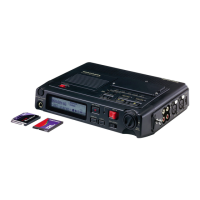
SD Card
Preset Load
Preset Save
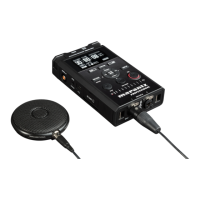
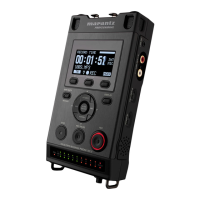
PMD661MKII
PMD661MKII


 To Next Page