38
ENGLISH
34 9
56 9
CLONE MODE
Creating Copies Using Clone Mode
All of the codes programmed to the RC1400
remote control can be copied to another
RC1400 using a few simple operations.
• The remote control can copy the entire
contents or the contents for specific source
buttons.
• When copying the entire contents, all
programmed codes, modified names,
programmed macros, and signal
transmission intervals are copied.
When copying the contents for source buttons,
the programmed codes and modified names
are copied.
Note:
The clone function can only be used for
copying when using the same model (RC1400)
for both the transmitting and receiving remote
control.
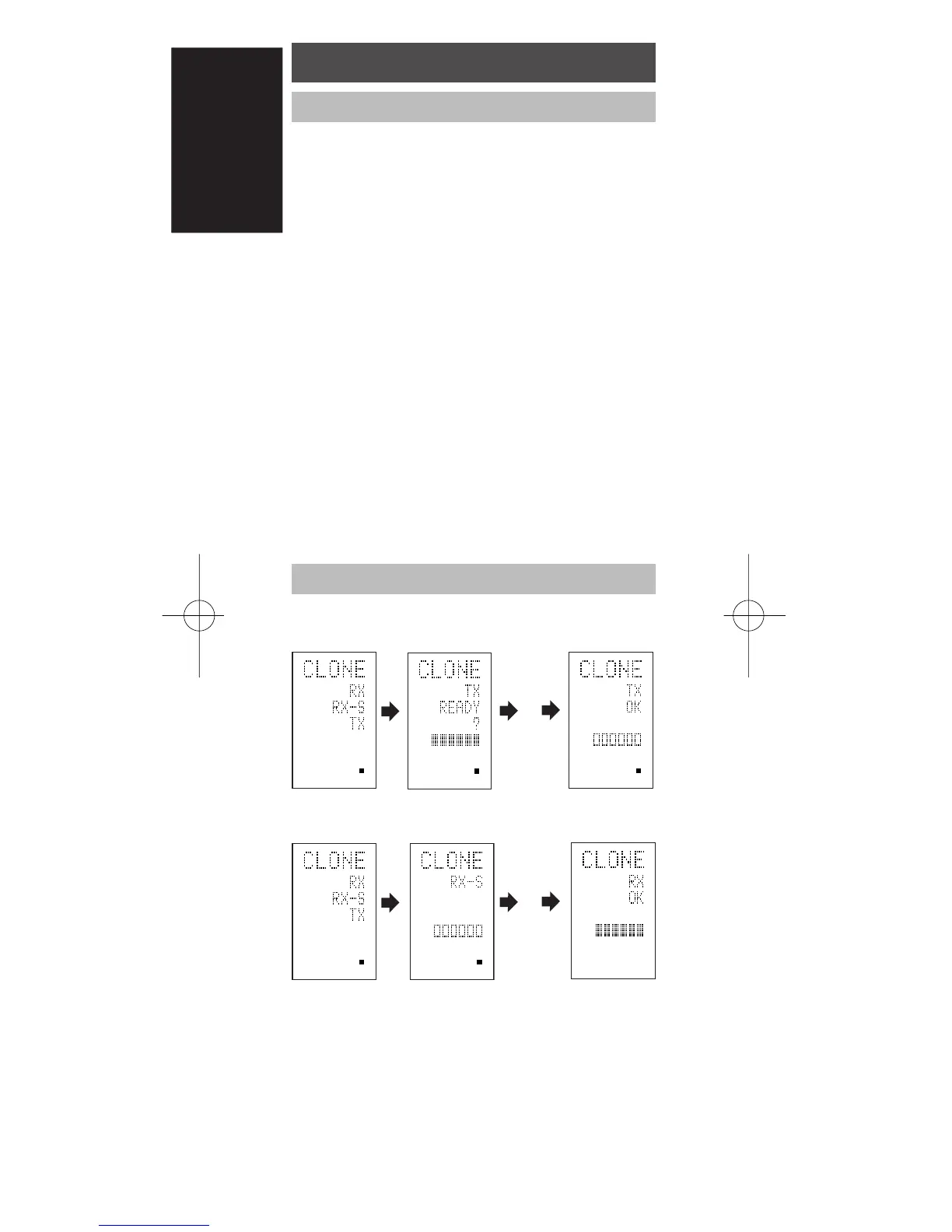
Copying Entire Contents
<Transmitting remote control>
<Receiving remote control>
1 Place the receiver sensor of the receiving
remote control (top) so that it is facing the
transmitter of the transmitting remote
control (top) at a distance of about 5 cm (2
inches).
2 Hold down the M button r of the
transmitting remote control for three
seconds or more.
The menu is displayed.
RC1400N01ENG 03.10.6, 4:19 PMPage 38 AdobePageMaker6.5J/PPC



 To Next Page