Convenience functions
.
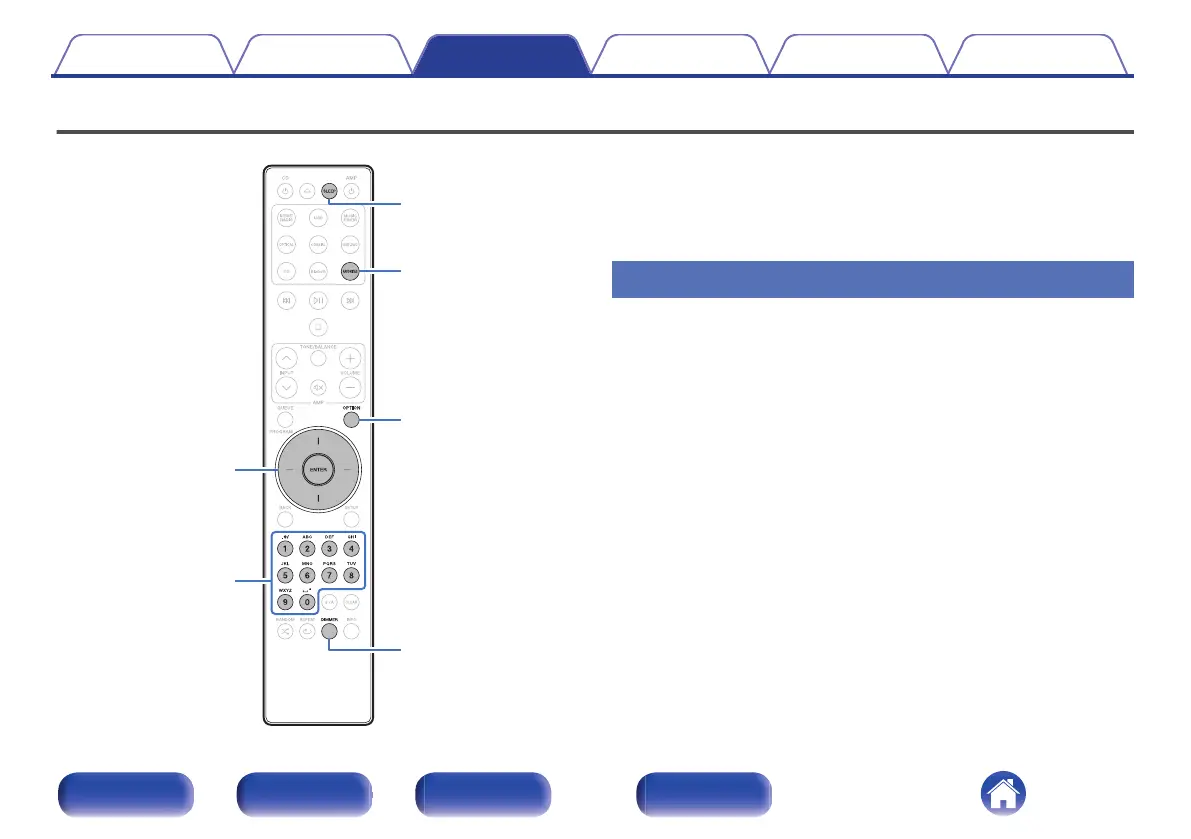
OPTION
0 – 9
DIMMER
FAVORITES
SLEEP
ENTER
Cursor Up/Down
0
This section explains how to use convenient functions that can be used
for each input source.
0
Control of “HEOS Favorites” operations is optimized for the app. For
more information on acquiring the app, see “Getting the HEOS
App” (v p. 44).
Adding to HEOS Favorites
This function only works for streamed content.
1
While content is playing, press OPTION.
The option menu is displayed.
2
Use Cursor Up/Down buttons to select “Add to HEOS
Favorites”, then press ENTER.
3
Use Cursor Up/Down buttons to select the “HEOS
Favorites” number you would like to save your
contents to, then press ENTER.
Contents Connections Playback Settings Tips Appendix
76
Front panel Rear panel
Remote control
unit
Index



 To Next Page