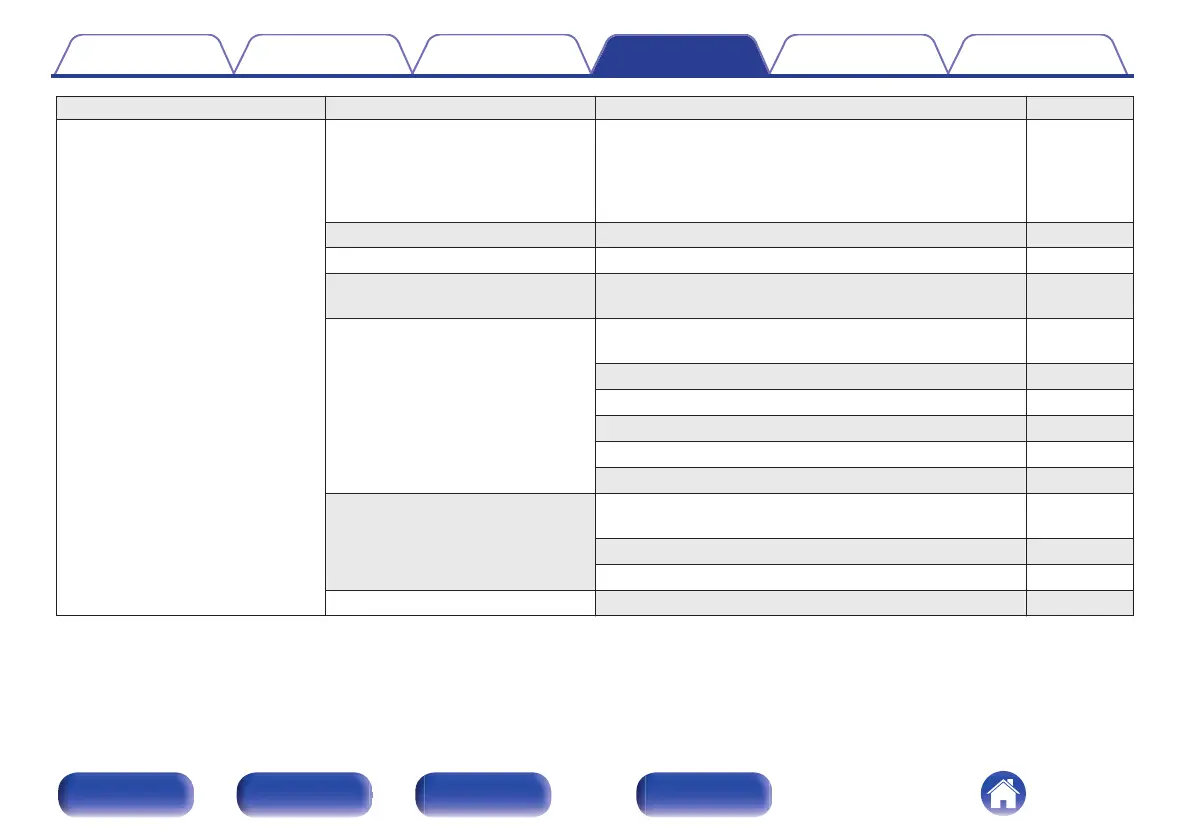
Setting items Detailed items Description/Detailed items Page
General Lighting The brightness of the lighting LED can be adjusted between
4 levels. The brightness can also be synchronized to the
brightness of the display. Switching the display off reduces a
source of noise that affects sound quality, enabling higher
sound quality playback.
89
Language Sets the language for display the menu. 89
Auto-Standby Sets the unit power to standby when the unit is not in use. 89
Usage Data Selects whether or not to send anonymous usage data to
Marantz.
90
Firmware Set whether or not to check for firmware update, update the
firmware, and display update and upgrade notifications.
90
Check for Update 90
Auto-Update 91
Allow Update 91
Upgrade Notification 91
Add New Feature 92
Information Displays notifications. Also, sets whether or not to display
the notification when the power is turned on.
93
Notification Alerts 93
Check for Notifications 93
Reset Various settings are reset to the factory default values. 93
Contents Connections Playback Settings Tips Appendix
80
Front panel Rear panel
Remote control
unit
Index



 To Next Page