Main Display (1 of 2)
HOME
MAIN DISPLAY (2 of 2)FRONT PANEL (
3
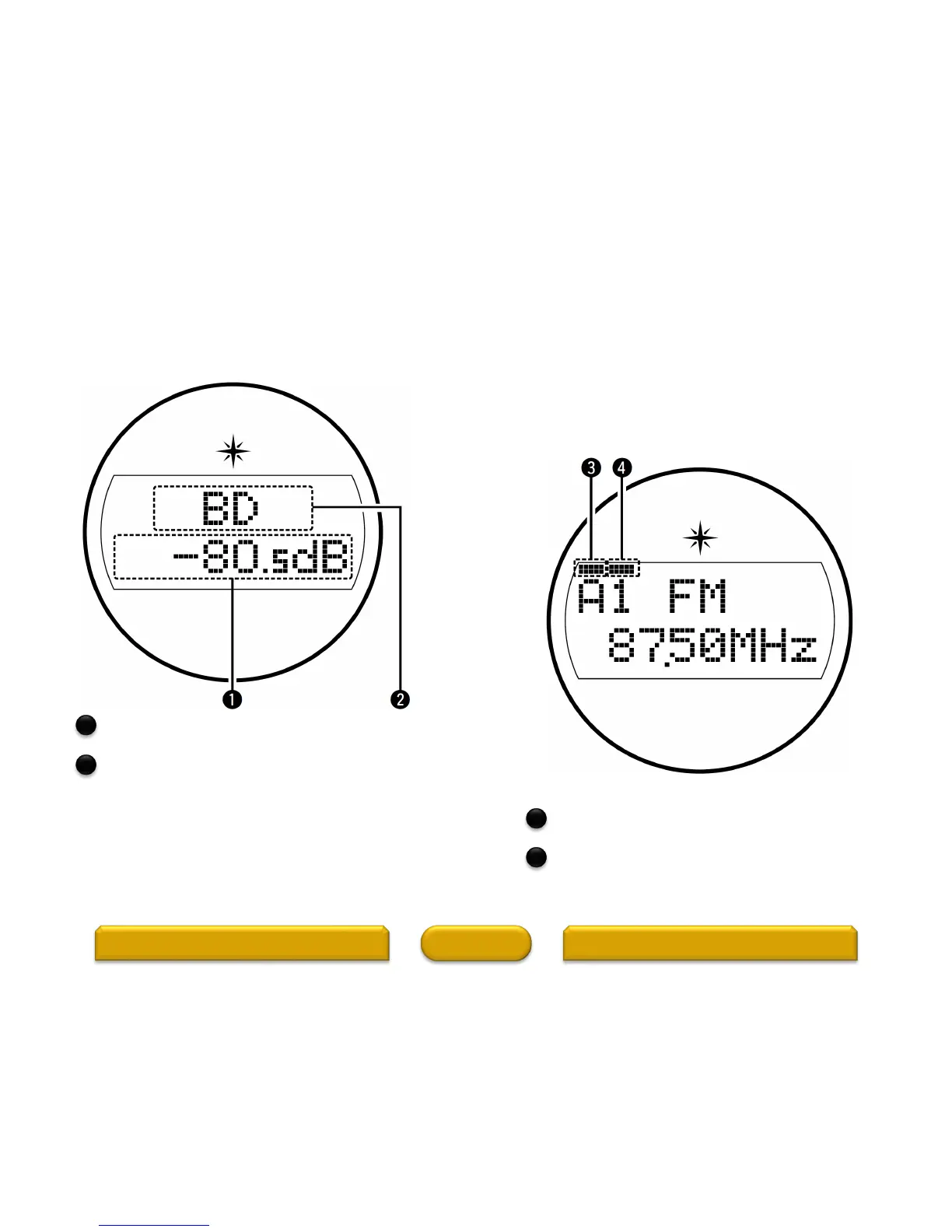
Master volume indicator
Input source indicator
The currently selected input source name is displayed.
If the input source name has been changed using “Input
Setup” – “Rename” in the menu, the input source name after
the change is displayed.
Standard display
Tuner display
These light according to the reception conditions
when the input source is set to “TUNER”.
Lights up when the broadcast is properly tuned in.
In the FM mode, this lights up when receiving stereo
broadcasts.
Main display
The input source name, sound mode, setting values and other information are displayed here.
1
2
3
4



 To Next Page