19
ENGLISH
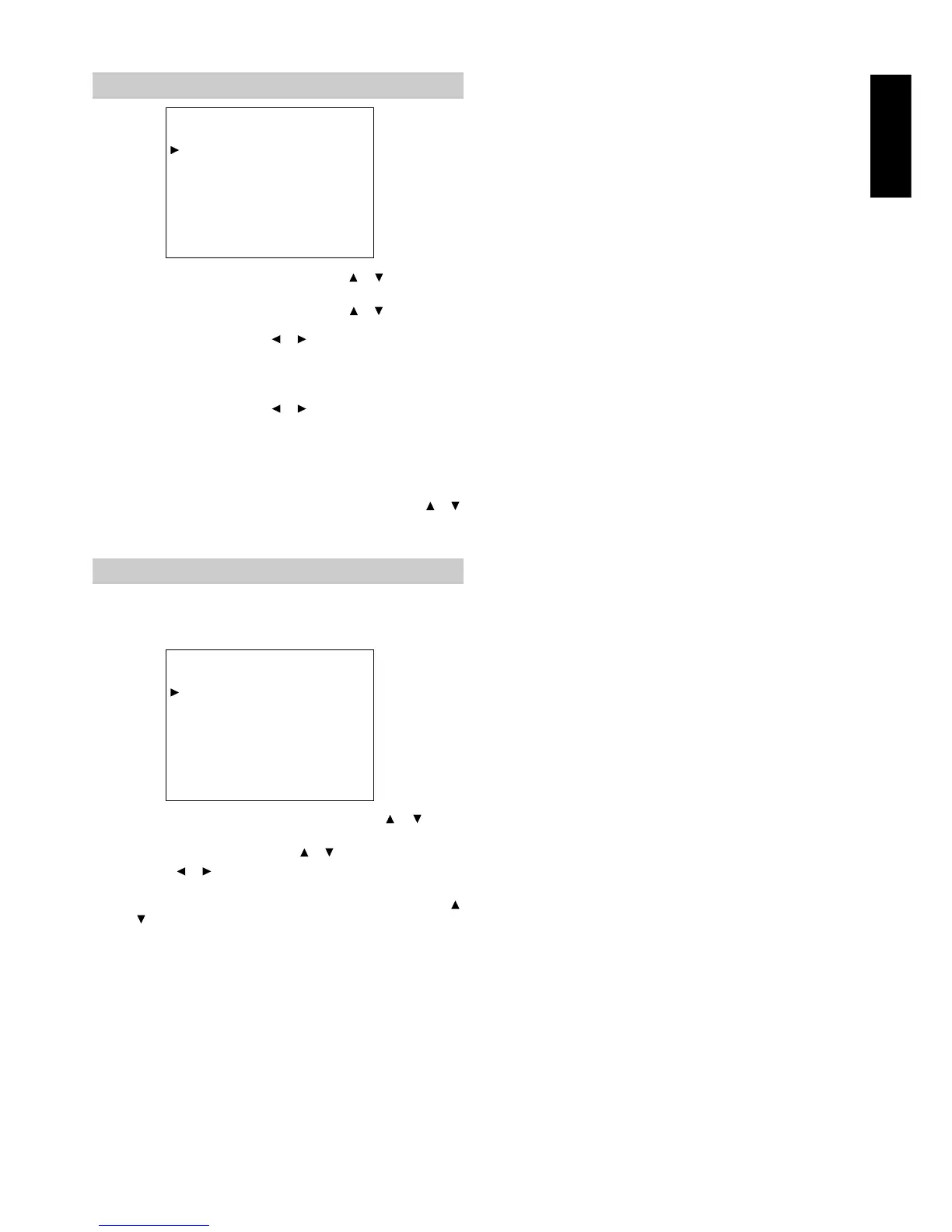
CS2 (CIRCLE SURROUND II) PARAMETER
1.
Select “CS2” in SETUP MAIN MENU with or cursor button,
and press the OK button.
2.
To Select desired contents as below, press or cursor button
TRUBASS: Set the TRUBASS level between 0 and 6 level in 1
level interval with or cursor button.
TRUBASS produced by the speakers to be an octave
below the actual physical capabilities of the speakers
adding exciting, deeper bass effects.
SRS DIALOG: Set the SRS DIALOG level between 0 and 6 level in 1
level interval with or cursor button.
This can be popped out of the surround audio effects
allowing the listener to easily discern what the actors
say.
If “NONE” was selected for the Center speaker setting
in the Speaker size, then this setting will not appear.
If you finish the setup in this menu, move cursor to “MAIN” with or
cursor buttons and press OK button.
6.1 CH INPUT LEVEL
This sub-menu is to adjust the speaker levels for 6.1-channel input
sources.
Here you will adjust the volume for each channel so that they are all
heard by the listener at the same level.
1.
Select “6.1CH IN” in SETUP MAIN MENU with or cursor
button, and press the OK button.
2.
To Select desired channel , press or cursor button.
3.
Using the or cursor buttons, adjust the volume level of each
channel.
4.
If you finish the setup in this menu, move cursor to “MAIN” with
or cursor buttons and press OK button.
Note:
• The condition of these setup will be memorized to 6.1CH
INPUT source.
6CS2PARAMETER
TRUBASS : 0
SRS D I ALOG : 0
MA I N E X I T
76.1CHINPUTLEVEL
FRONT L : 0 dB
CENTER : 0 dB
FRONT R : 0 dB
SURR . R : 0 dB
SURR . C : 0 dB
SURR . L : 0 dB
SUB W : 0 dB
MA I N E X I T



 To Next Page