1Section
1
Introducing the 3108 DVR
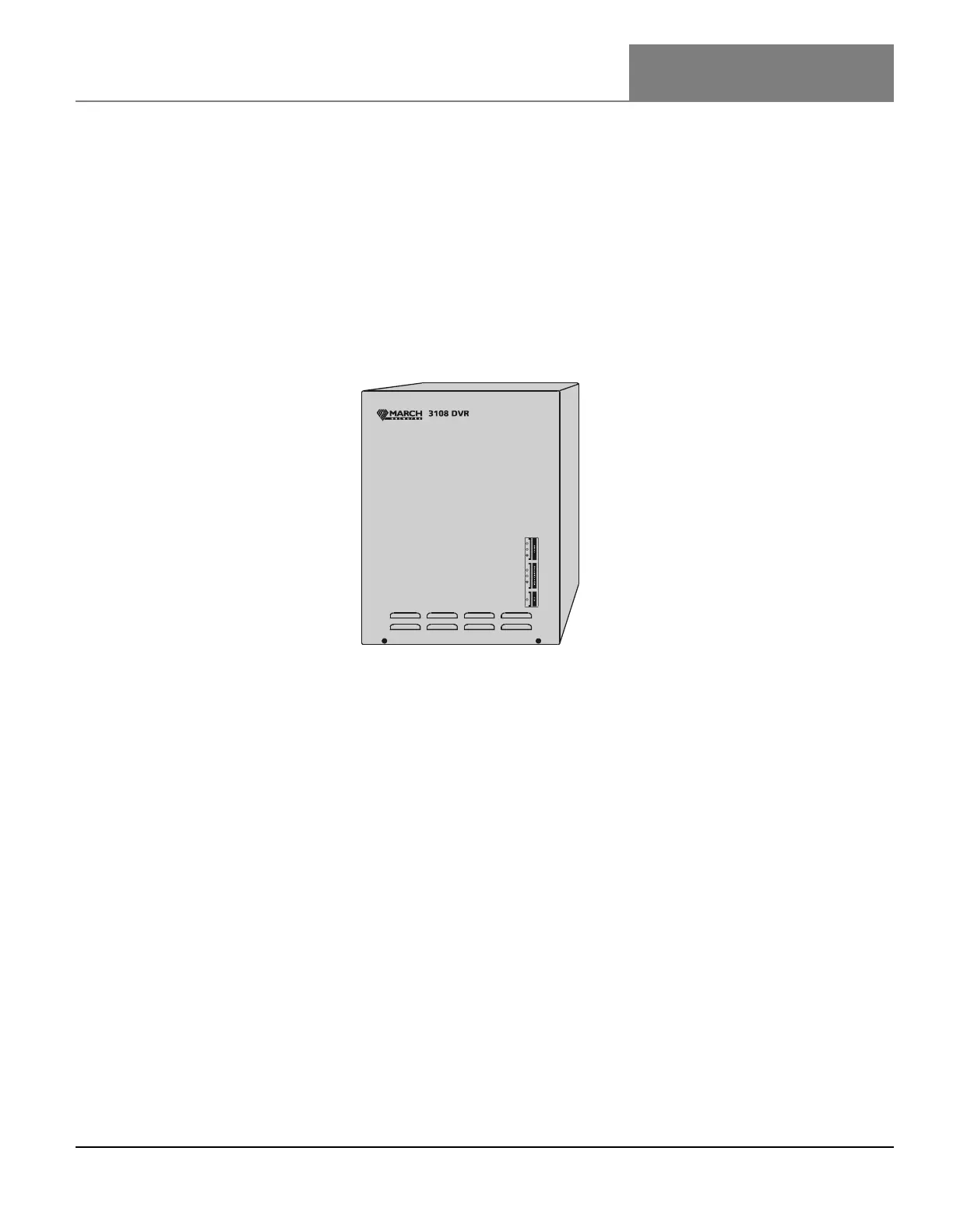
The 3108 DVR is an eight camera digital video recorder that provides you with a complete video
surveillance system. The DVR captures live, scheduled, or event-driven video, allowing you to monitor
your environment and investigate activity.
The DVR’s convenient wall-mount design allows you to quickly install the unit in its desired location.
All device connections, such as the connection to video cameras, a video output device, and alarm
sensor devices, are made inside the DVR. Device cables can be easily pulled through the wall into the
unit and hidden away.
Initial configurations can be performed at the DVR site to set up the DVR’s network connection. The
DVR’s built-in provisioning interface (a software application running on the unit that you use to
configure the DVR’s general settings) lets you set up the network connection by specifying the DVR’s
network settings. Once configured, the DVR can be accessed remotely over a network connection. Or, if
you connect a USB modem to the unit, it can be accessed remotely over a dial-up connection.
While the DVR requires minimal maintenance, this publication does provide steps for servicing the
DVR’s internal components and installing a hard drive.
When you install a hard drive in the DVR, audio, video, and alarm events are stored on the DVR. You
can retrieve archived audio, video, and alarm events stored on the DVR using the administration and
configuration software applications included on your March Networks software CD.



 To Next Page