6
1.6. BUTTON OPERATION
Genius has four buttons. These buttons allow
you to access menus and change settings
while in surface mode. During the dive they
switch displays, call up the compass or the
map function, and allow to display further
information on the computer screen. The
function of each button is identified by a set of
letters or an icon placed just above the button
itself. In certain circumstances, for instance
when erasing a set bearing in the digital
compass or when calling up the gas switch
function during a multigas dive, a button can
perform two tasks, depending on whether it is
pressed and released or pressed and held for
one second.
In such case, there will be two groups of
letters or icons above a button: the left one
corresponds to the press-and-release action,
the right one to the press-and-hold action.
From the home display you have the following
possible operations (press/press and hold) for
the buttons from left to right (Fig. 1):
- PRE/POST: enters PRE dive mode/enters
POST DIVE mode (only if there is remaining
desaturation in the computed tissues);
- LOG/PLAN: enters the logbook/enters dive
planner mode;
- GAS/GF: enters oxygen and helium setting
menu/displays gradient factor settings table;
- MENU/BT: goes to main menu/starts
bluetooth connection.
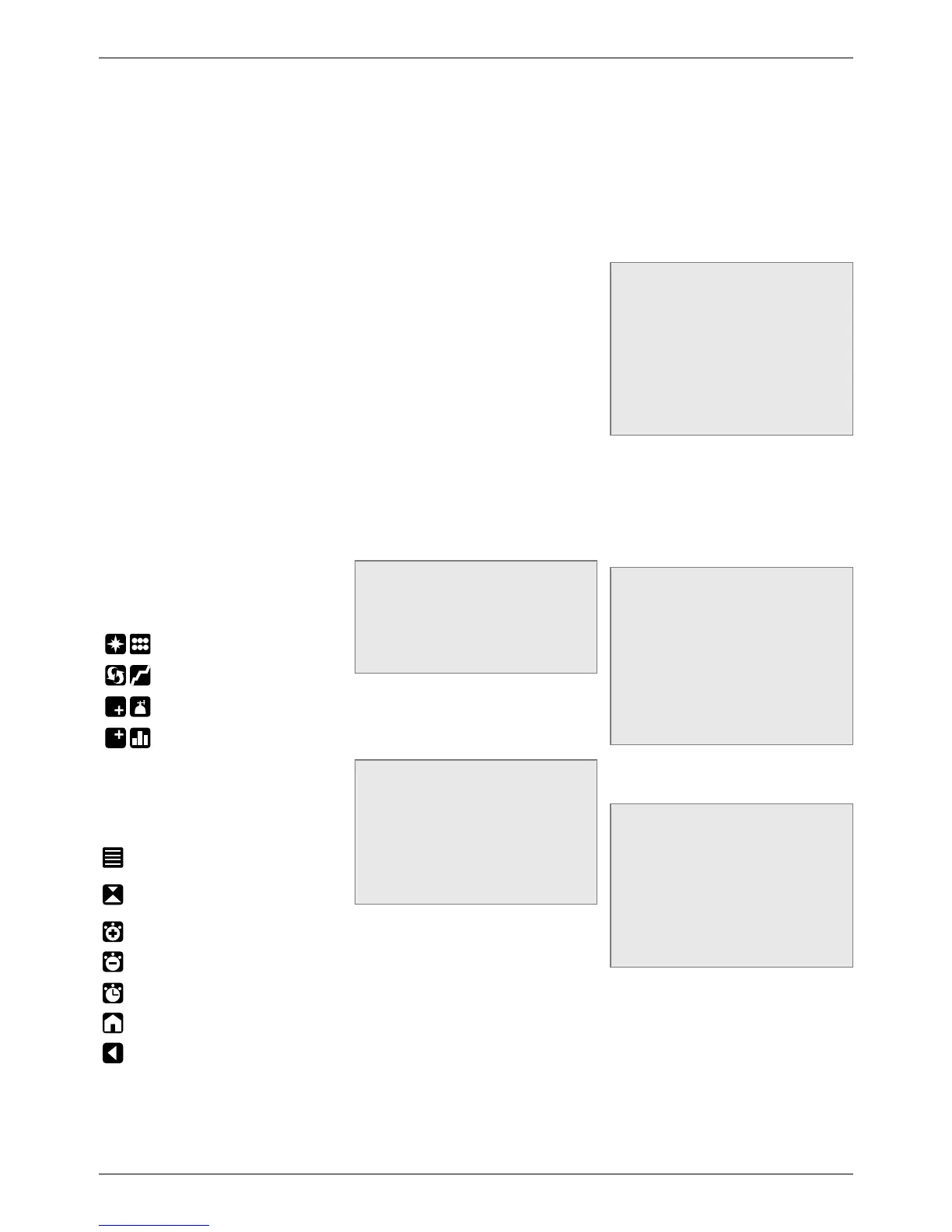
During a dive, icons are used to define the
button function. From left to right you will see
(Fig. 2):
/ :
enter compass mode/enter
underwater menu
/ :
switch to graphic display/call up
list of stops
/ :
change field in lower right
corner/initiate gas switch
/ :
change field in top right corner/
call up tissue saturation graph.
The dive display is described in more detail in
section 9
Other icons that might appear during a dive are:
AGF: allows you to switch between the main
set of GF and the alternate set
:
calls up deco summary table.
:
allows to set a bearing (press) or
erase a set bearing (press and hold)
(COMPASS)
:
makes stopwatch appear (COMPASS)
:
makes stopwatch disappear
(COMPASS)
:
restarts stopwatch (COMPASS and
DIVE, only if stopwatch on screen)
:
exit from predive mode
:
return to standard display (COMPASS,
TISSUE GRAPH, MAP, GAS TABLE).
1.7. IN CASE OF EMERGENCY
ICE
Genius allows you to enter information about
yourself, such as name, contact information,
emergency number, insurance policies and
allergies. This information is entered via the
PC software Dive Organizer. Alternatively, it
can also be entered via the Divers’ Diary Mac
software. The first two lines of the ICE are
displayed in the home display.
1.8. MOUNTING AND PAIRING
OF THE TANK MODULE
OPTIONAL
Genius features an exclusive two-way
communication technology through which it
can communicate with up to 5 tank modules
regarding tank pressure and gas consumption
information via patented interference-free
communication. Each tank module needs to
be mounted on a high pressure port of a first
stage regulator.
In order for Genius to display tank pressure
and gas consumption information, you must
first establish a channel of communication
between the tank module and Genius. This
is called pairing. This operation needs to be
performed only once and ensures a permanent
and interference-free link between the two
devices.
NOTE
To perform the pairing operation, the tank
module must be pressurized to at least
15bar/220psi. Hence it must be mounted
on a first stage regulator, which is itself
mounted on a full scuba tank and the valve
opened.
To mount the tank module on the first stage
regulator, first remove the high pressure port
plug, then screw in the tank module gently by
hand until you feel a minimum of resistance,
then use a 19mm wrench to tighten it (Fig. 3).
NOTE
- Do not force the tank module while
holding it by the plastic cap.
- Do not overtorque while using the
wrench: the o-ring seal is assured as
soon as you feel the first resistance. The
only reason for using a wrench to tighten
a bit more is to prevent the tank module
from unscrewing itself over time.
The Mares tank module communicates
via radio frequency with Genius. For best
transmission, we recommend positioning the
tank module as described in Figure 4.
To pair the tank module with the Genius,
proceed as follows:
- Open the tank valve to pressurize the tank
module. You now have two minutes to
perform all steps listed below;
- Go into SET DIVE/GAS INTEGRATION/PAIR
DEVICES
- Choose the channel that you wish to assign
to the device (if this is your only tank module
for single gas diving, choose G1. G2 through
G5 are used for multigas dives. More
information on this in section 11);
- Place Genius at about 15 cm / 6 inches from
the tank module as shown in Figure 5.
- Push SELECT and wait until the progress
bar advances to the end. You will either
see the message PAIRING SUCCESSFUL
or PAIRING NOT SUCCESSFUL. In the first
case you have successfully established
a connection, in the second you need to
repeat the operation, but you must turn off
the valve and depressurize the first stage
completely, then wait 1 minute before
attempting again.
NOTE
- When diving with more than one gas
mixture, tanks G1 through G5 must be
set to increasing oxygen levels. Refer
to section 11 for more information on
multigas diving.
- A tank module can only be paired to one
channel on one Genius. If you pair the
same tank module to a second channel
on the same Genius or to a second
Genius, the first one will be erased.
After a successful pairing of G1 to Genius,
the home and the pre-dive display will show
the tank pressure in either bar or psi. If tank
G1 has not been paired, Genius will show an
empty field instead of a pressure value. If G1
has been paired but Genius is not receiving any
signal, it will show - - - instead of a pressure
value.
NOTE
- The Mares tank module has a range of
approximately 1.5m/5ft.
- If a tank module battery is weak, Genius
alerts you with a screen message
referencing the channel designation
assigned to the tank module in question.
- During a dive, you can ask Genius to
display the battery status of the tank
module. More information about this in
section 8.5.6 and 9.
Refer to the dedicated tank module manual for
information on how to replace the battery in
the tank module.
NOTE
- You do NOT need to repeat the pairing
procedure after a battery replacement in
the tank module.
- You do NOT need to repeat the pairing
procedure if the battery in Genius is
completely empty.
- You do NOT need to repeat the pairing
procedure after upgrading the firmware
in your Genius.
1.9. TURNING OFF GENIUS
Genius turns off automatically after 3 minutes
without operation when in surface mode and
after 10minutes without operation when in
pre-dive mode. From the main menu, you
can also turn it off manually by selecting the
BUTTON LOCK icon.



 To Next Page
 Loading...