37
PUCK DIVE COMPUTER
ENGLISH
• The DEEPSTOP icon (if the stop is required)
• Altitude program and level (if enabled)
• Personal correction factor and level
(if enabled)
FIG. 19
Pressing of the button again will display:
• Type of dive (AIR)
• Units of measurement (m-°C or ft-°F)
• Type of water (Salt, Fresh)
• Altitude program and level (if enabled)
• Personal correction factor and level
(if enabled)
TIME TO SURFACE (ASC TIME)
The Ascent time is given by the sum of:
• The durations of the various decompression
stops
• Time required to ascend at an average speed
of 10 m/min (32 ft/min)
• Any deep stops.
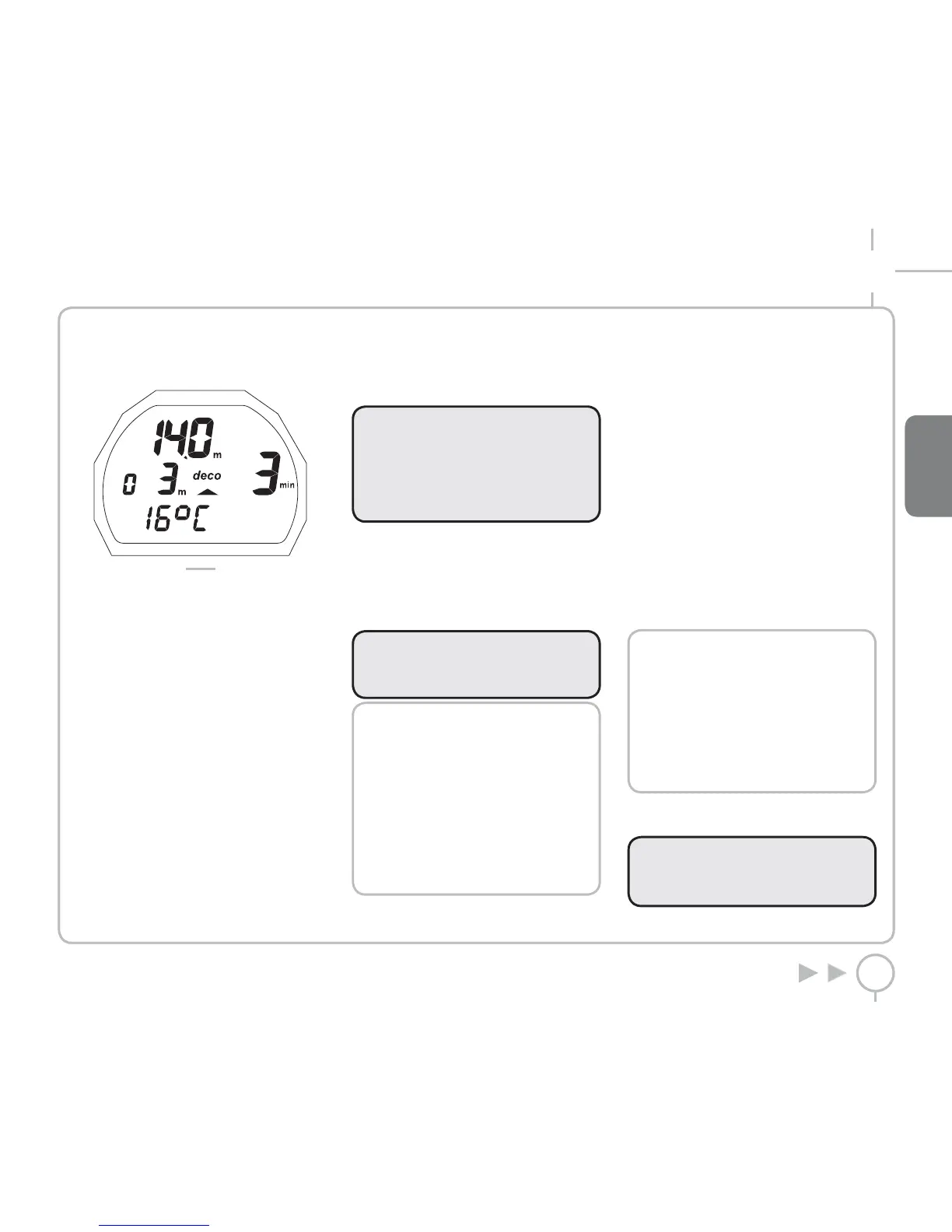
DECOMPRESSION STOPS
PUCK will also check that the decompression
stops have been observed; two icons graphically
indicate what action the diver should take.
• 2 triangles: correct decompression stop depth
• Upward triangle: diver below decompression
stop depth, ascend!
• Downward triangle: diver has ascended
beyond decompression stop depth, descend!
WARNING
When the omitted deco stop alarms are
triggered, desaturation of the simulated
tissue compartments is halted and
resumes only when the diver returns to
the correct stop depth.
If the decompression stop depth is exceeded
by more than 30 cm (11 inches), the “downward
triangle” icon will flash; if it exceeds 1m (3 ft) it
keeps flashing and an audible alarm will sound.
These warnings remain active until the diver
returns to the correct depth.
WARNING
Never ascend above the correct
decompression stop depth.
NOTE
If the deco-stop overshoot exceeds
one meter and lasts more than three
minutes, the computer switches
to “Omitted Stop” mode and the
corresponding icon appears. In
this case, if after surfacing the diver
attempts a repetitive dive, PUCK will
only function as a depth gauge and
timer (BT mode), and will display the
errors of the preceding dive.
DEEP STOPS
To minimize the likelihood of critical bubble seed
formation, in the case of decompression dives or
dives close to the no-deco limit, PUCK prompts
for a series of one-minute deep stops at different
depths depending on the dive profile.
Thus, whenever the applicable conditions have
been met, PUCK will display an icon during the
dive that reads DEEPSTOP. This indication is
helpful in planning for your deep stop during
your ascent. Near the deep stop depth, PUCK will
sound an audible alarm, and the word DEEPSTOP
appears.
At the indicated depth, a countdown also appears
that will show you how much time remains in the
DEEPSTOP. There can be more than one deep
stop during a dive. This depends on the dive
profile and on the type of decompression.
NOTE
During the dive, when the button
is pressed, PUCK will display the
estimated DEEP STOP required. The
data displayed during the ascent may
vary as a result of the diver’s behavior.
Divers should check this data during
the ascent for more precise information
on the estimated stop.
ASCENT
WARNING
A rapid ascent increases the risk of
decompression sickness (DCS).


 To Next Page
 Loading...