43
PUCK DIVE COMPUTER
ENGLISH
• Units of measurement (m-°C or ft-°F)
• Type of water (Salt, Fresh)
FIG. 29
WARNING
We advise that when diving you always put PUCK
into predive mode. Early in your dive, always
check that the dive computer is switched on.
NOTE
After a dive in “BT” mode, the transition
to “AIR” or “EAN” mode will be disabled
for 24 hours (you can bypass this block by
resetting the residual nitrogen in the tissue
compartments in the SET DATA menu).
WARNING
This option is intended only for highly
experienced divers. Users who clear the
residual nitrogen memory cannot then use
the instrument for repetitive dives. After
clearing the residual nitrogen memory,
do not dive with PUCK if you have already
dived within the previous 24 hours.
NOTE
Hold down the button for 4 seconds to
activate the display backlight.
SURFACE MODE – BOTTOM
TIME
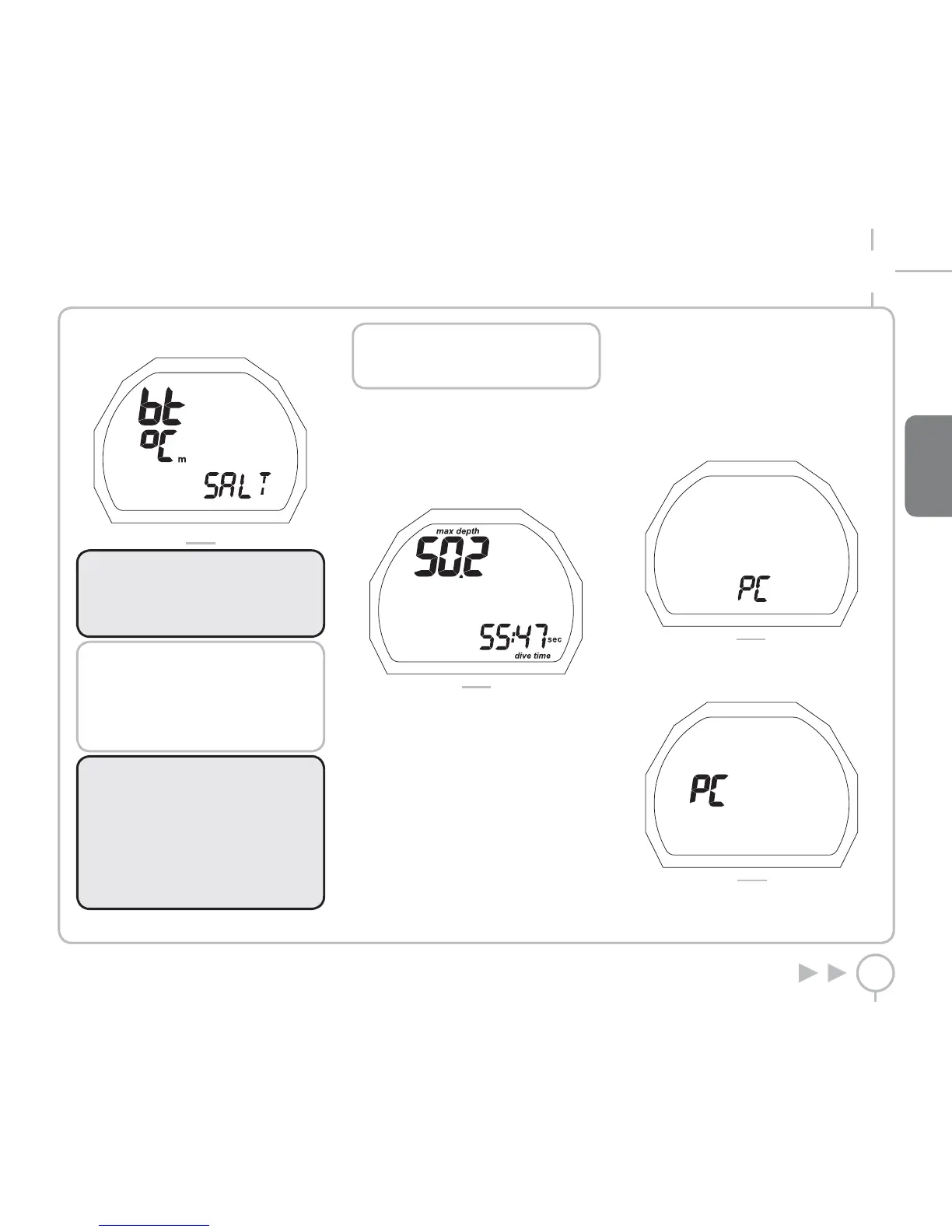
The desaturation time and the delay before flying
or traveling to high altitudes are displayed in the
same way as for Air or Nitrox dives (Figure 30).
FIG. 30
BOTTOM TIME WITH BEHAVIOR
ERROR
The following errors can occur during an air or
EAN dive:
• Uncontrolled ascent
• Omitted deco stop
In this case, PUCK will inhibit the Dive - AIR and
Dive - EAN modes for 24 hours, allowing operation
in BOTTOM TIME mode only, and will continue to
display the error committed during the previous
dive.
PC MODE
Using a special interface unit and a dedicated
Windows software application, you can transfer
all the data from the PUCK Log Book to a personal
computer.
Puck and the computer communicate through a
special USB interface module (optional).
Scroll through the main menu to PC (Figure 31).
FIG. 31
Press and hold the button to enter PC mode.
The letters “PC” will appear in the middle of the
screen (Figure 32).
FIG. 32
Lay Puck so the display faces down, and insert the
interface into the special port.



 To Next Page