45
PUCK DIVE COMPUTER
ENGLISH
PLANNING: SCROLLING OF NO
DECOMPRESSION LIMITS
This function allows the user to scroll through the
no decompression limits, automatically taking
into consideration the residual nitrogen level in
the tissue compartments from a previous dive.
The times displayed take into account all the
settings under SET MODE.
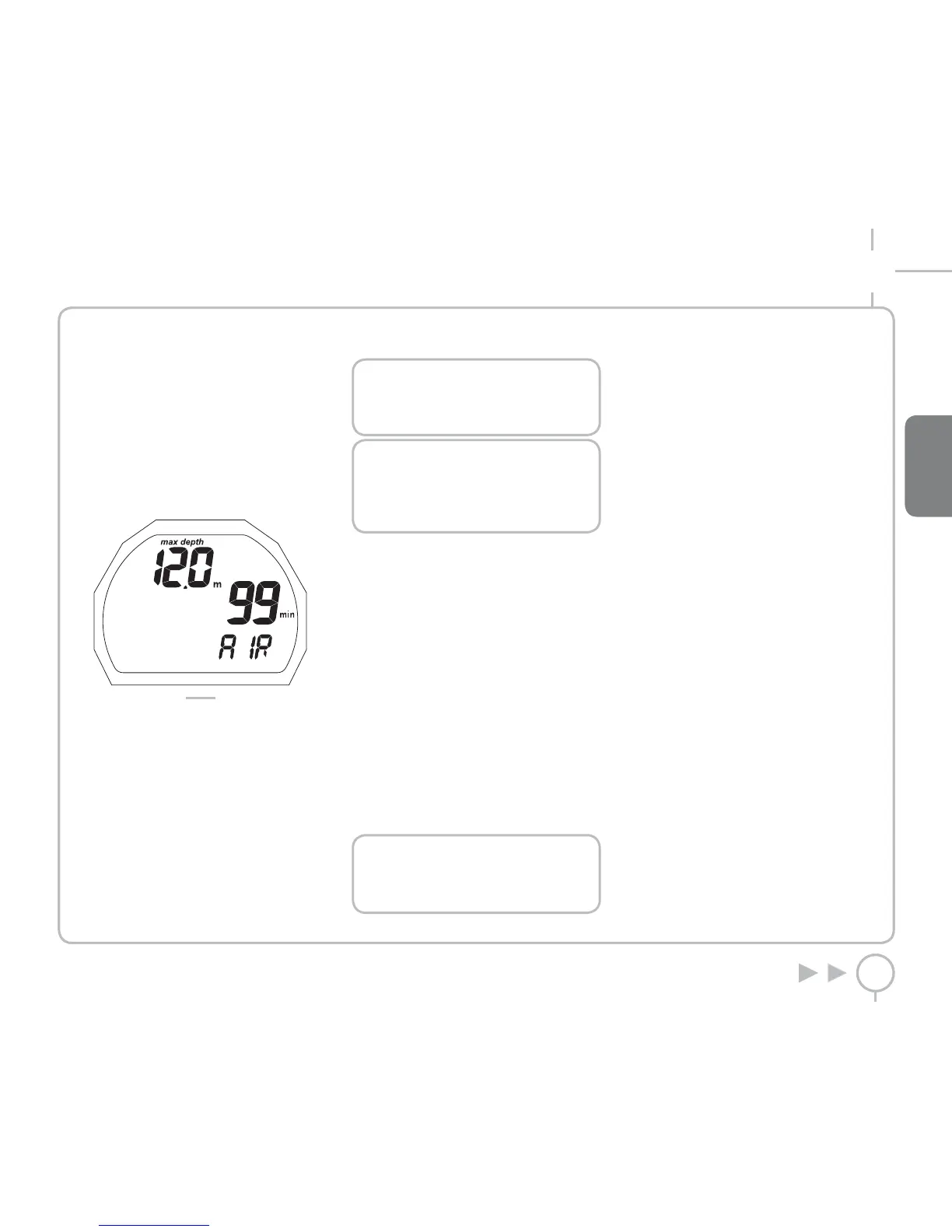
Scroll through the main menu to PLANNING.
Press and hold the button to enter PLANNING
(Figure 34).
FIG. 34
Pressing the button increases the depth shown
by three meters each time, up to a maximum of
48 m (157 ft).
For each depth, the display shows the
corresponding no decompression time expressed
in minutes.
If “EAN” mode is selected, the display also shows
the programmed oxygen percentage value.
The maximum depth allowed in this case varies
as a function of the % O
2
and maximum PPO
2
that
have been entered.
Upon reaching the maximum depth, pressing the
button again moves to ESC mode.
Press and hold the button to return to the main
menu.
NOTE
The Plan function will only be active after
having selected AIR or EAN mode in SET
DIVE.
NOTE
To switch to ESC mode and easily exit the
PLANNING function, simply press and
hold down the button at any point during
scrolling.
SYSTEM
Scroll through the main menu to SYSTEM.
Press and hold the button to enter SYSTEM.
Here you can view:
• The serial number
• Firmware Version
• The number of times the battery has been
replaced
• The charge level of the battery, with three
possible levels:
- BATT OK
- BATT LO 1
- BATT LO 2
Press the button to move to the ESC position.
Press and hold the button to exit this menu and
return to the main menu.
NOTE
When the battery charge level is
displayed, press and hold the button to
run an instant battery check.
FAQ
Q: What happens if I replace the battery after
a dive, before the desaturation time has gone
to zero?
A: The residual nitrogen memory will be cleared,
and the RGBM calculations for any previous dives
will be aborted. The diver who used the computer
in the previous dive must not dive for at least
24 hours.
Q: What happens if I start a dive while PUCK is still
in SYSTEM mode?
A: If left in SYSTEM mode when you begin the
dive, PUCK will still activate DIVE mode within
20 seconds of descending past 1.2 m (4 ft).
Q: When I replace the battery, will my Log Book
dive data be lost?
A: No.
Q: What happens if there is an uncontrolled
ascent or omitted decompression stop during an
AIR or EAN dive?
A: After the dive, PUCK switches automatically
to “Stop”. Only BOTTOM TIME mode will remain
operational.
Q: What indicates that “Bottom Time” mode was
chosen by the user, rather than forced as a result
of diver errors during the preceding dive?
A: In the latter case, during the dive and in
surface mode, the pertinent error icons are
displayed along with the standard “Bottom Time”
indications.
Q: If AIR or EAN mode is selected after completing
a dive in “BOTTOM TIME” mode, how will the new
dive be managed?
A: PUCK does not allow you to do an AIR or EAN
dive in the 24 hours immediately following a
BOTTOM TIME dive.



 To Next Page
 Loading...