7
NOTE
- When diving with more than one gas
mixture, tanks G1, G2 and G3 must be
set to increasing oxygen levels. Refer
to section 3.5 for more information on
multigas diving.
- A tank module can only be paired to one
channel on one Smart Air. If you pair the
same tank module to a second channel
on the same Smart Air or to a second
Smart Air, the first one will be erased.
After a successful pairing of G1 to Smart
Air, the pre-dive display will show the tank
pressure in either bar or psi. If tank G1 has not
been paired, Smart Air will show nP instead
of a pressure value. If G1 has been paired but
Smart Air is not receiving any signal, it will
show - - - instead of a pressure value.
NOTE
- The Mares tank module has a range of
approximately 1.5m/5ft.
- The tank module turns on automatically
upon pressurization to at least 10 bar /
145 psi. It turns off automatically when
the pressure drops below 10 bar / 145 psi.
- In order to save battery power, the tank
module turns itself off also when the
pressure does not change over more than
4 minutes. The tank module turns itself
on again when a difference of pressure of
more than 1 bar / 14.5 psi is sensed.
- If a tank module battery is weak, Smart
Air alerts you by blinking the battery
symbol together with G1 (or G2 or G3) in
the upper right corner.
Refer to the dedicated tank module manual for
information on how to replace the battery in
the tank module.
NOTE
- You do NOT need to repeat the pairing
procedure after a battery replacement in
the tank module.
- You do NOT need to repeat the pairing
procedure after a battery replacement in
Smart Air.
- You do NOT need to repeat the pairing
procedure after upgrading the firmware
in your Smart Air.
• 2. MENUS, SETTINGS AND
FUNCTIONS
This chapter describes in detail all menus,
setting and functions of the Smart Air dive
computer.
From the time of day display, pressing the
UP button allows you to scroll through the
following sequence of menus (note that once
inside the menu loop, pressing the DOWN
button scrolls through the menus in reverse
sequence):
- CHrOnO: allows you to operate Smart Air
like a normal stopwatch;
- PRE dIVE: places Smart Air in the ready-to-
dive mode;
- MOdE: allows you to set the computer to air,
nitrox or bottom timer mode;
- SEt: allows you to view and change all
settings relative to the dive computer;
- LOG: allows you to access the detailed
history of the dives performed;
- PLAN: allows you to plan dives as a function
of depth based on your current nitrogen load;
- PC: allows you to download dives to a PC or
Mac
- InFO: allows you to view information about
software and hardware of your Smart Air.
The pre-dive mode puts the computer in a
ready-to-dive mode and ensures that Smart
Air starts to monitor the dive as soon as a
depth of 1.2m/4ft is reached. If you start the
dive without putting Smart Air into pre-
dive mode, it will start to monitor the dive
automatically but with a delay of up to 20
seconds from immersion.
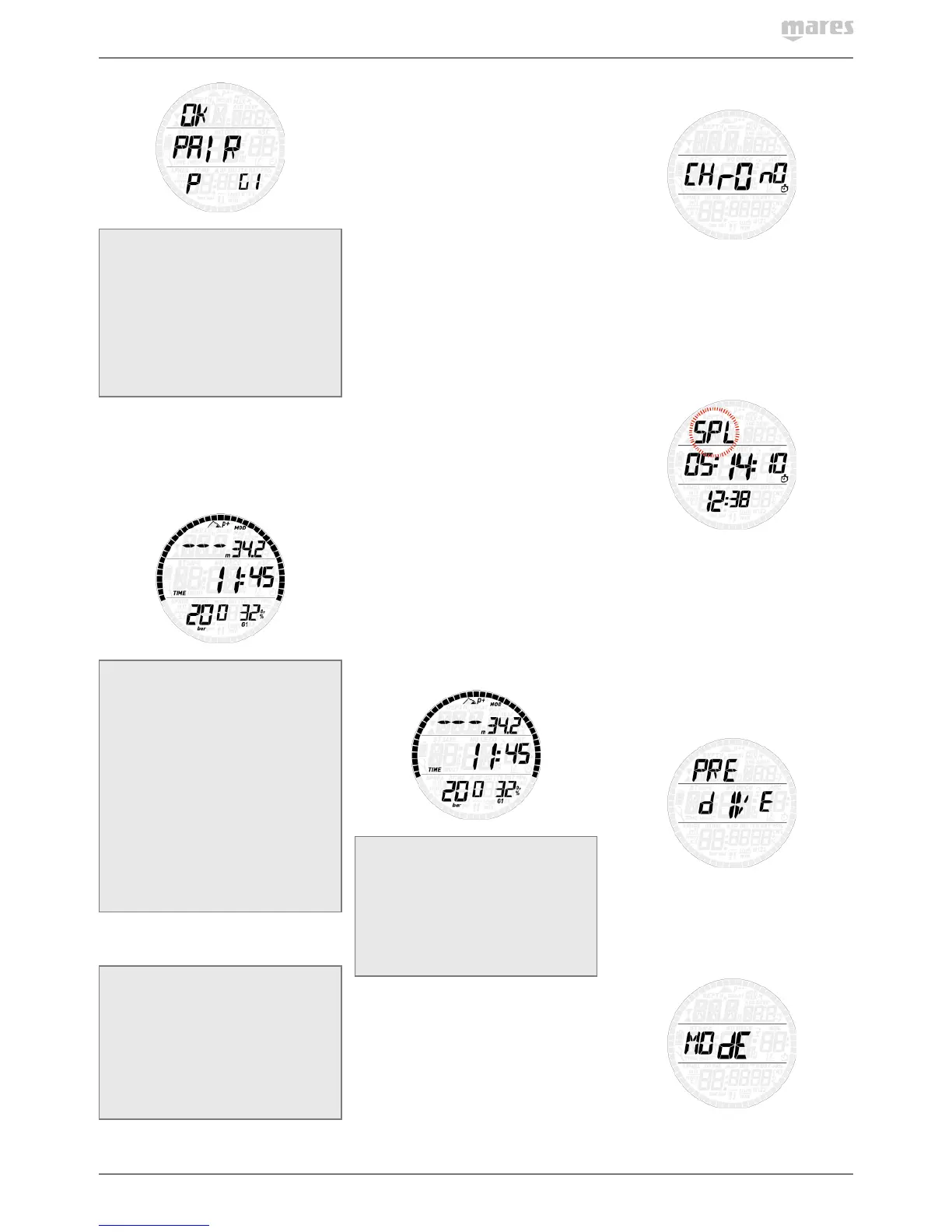
The pre-dive display shows p factor and
altitude settings, time of day and tank pressure
(if a tank module is paired, active and Smart
Air is within 1.5m/5ft of the tank module). If
Nitrox is set, it will show the O
2
percentage and
the corresponding MOD.
NOTE
- If you remain in pre-dive for longer than
3 minutes without pressing any button,
Smart Air will revert to normal watch
operation.
- It is recommended to put Smart Air into
pre-dive before submerging. Not doing
so can lead to a delay of up to 20s in
Smart Air monitoring the dive.
2.1. CHrOnO
Press and hold the UP button to enter
this menu. The middle row now features a
stopwatch while the time of day has moved
to the bottom row. Press the UP button to
start and stop the time, then press the DOWN
button to reset the time to zero. Press and hold
the DOWN button to exit from the stopwatch
function (this stops and resets the stopwatch if
it was running or stopped at a non-zero value
upon exiting).
The stopwatch features also a split-time
function: by pressing the DOWN button while
the stopwatch is running, the time itself will
freeze while SPL blinks in the top row and the
stopwatch continues in the background. Every
time you press the DOWN button the split time
will refresh with the new value. Press and hold
the DOWN button to exit the split-time mode.
Note that while in split-time mode, the UP
button has no function.
2.2. PRE dIVE
Press and hold the UP button to enter this
menu and put Smart Air into the ready-to-dive
mode.
2.3. MOdE
Here you can define the type of gas you will
be breathing during the dive (air or enriched



 To Next Page
 Loading...