29
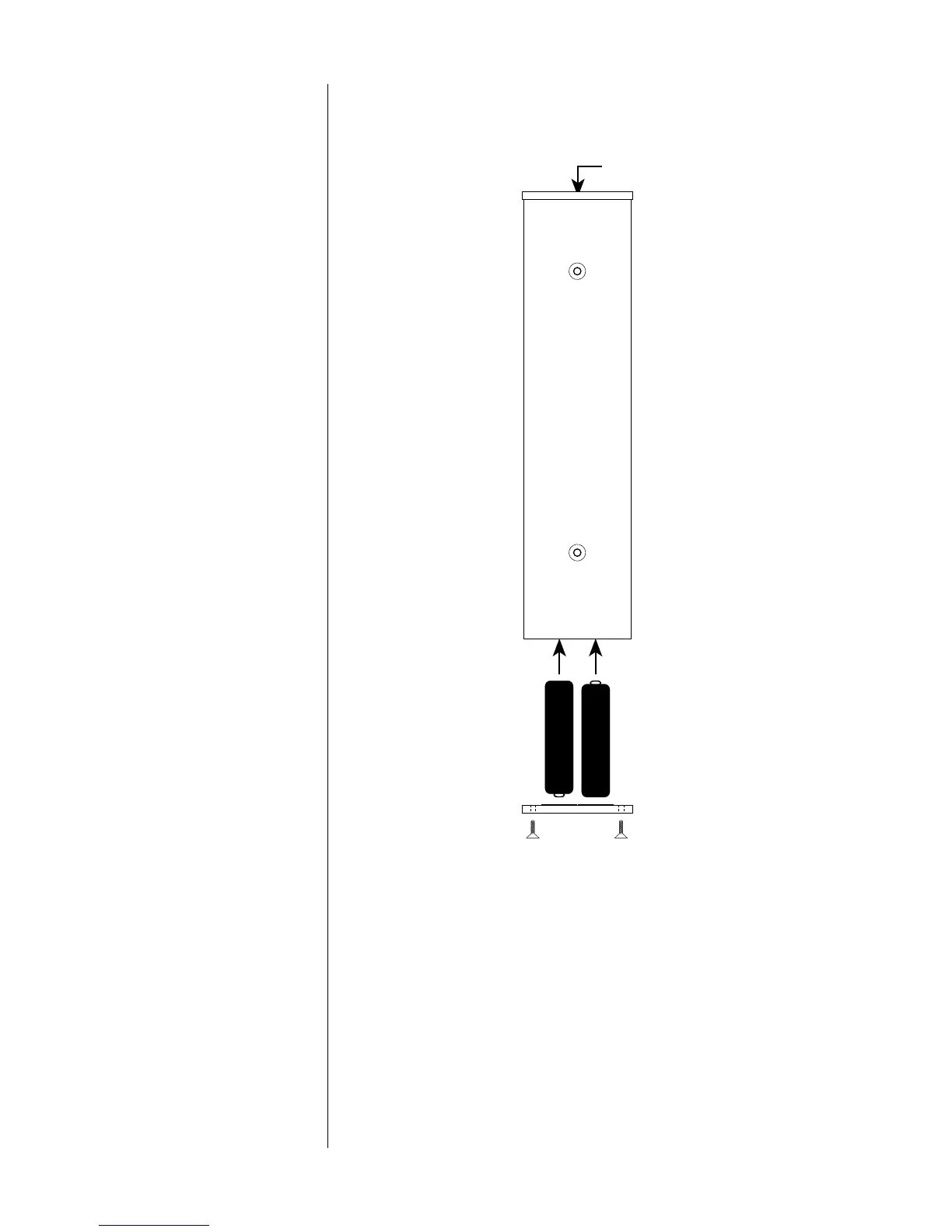
15. Using the supplied 1/16" hex key, remove the two screws securing
the cover of the Remote Control’s battery compartment (the end
opposite the projection lens).
Projection
lens
+
+
–
–
(Rear of
Remote Control)
Installing batteries in the
Remote Control
16. Insert two AA batteries according to the symbols on the inside of
the battery compartment cover. Replace the battery
compartment cover and screws.


 To Next Page