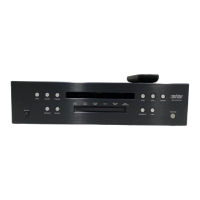
31
Basic operation
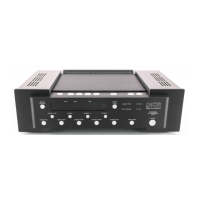
Before operating your Nº31, become familiar with its controls and their
locations. (See "Front panel," "Top panel," "CD transport assembly," and
"Remote Control.")
To load a CD for play:
1. Make sure that the main power switch is set to the "|" position.
2. Enable the Nº31's controls by pressing standby.
3. Press LID Open/Close to open the LID.
4. Remove the Disc Damper from the spindle.
5. Place a CD onto the spindle, label side up. Handle the CD by the
outer edges only.
6. Place the Damper on top of the CD. Make sure that it's centered
and seated securely.
7. Close the LID by pressing LID Open/Close again.
In a few seconds, the Display will show the total number of tracks
and their total playing time. The CD is now ready for play.
Note: If you'd previously saved a program for the CD, the
letter P will appear preceding the track number on the
Display. (See "Programming.")
To override a previously saved program, press program clear;
or on the Remote Control, press the 0 (zero) numbered key,
then press prg/time. All of the CD's tracks will be accessible
for basic operation, but the program will still be retained in
the Nº31's memory.
To play all tracks on the CD, press the Play button. All tracks will play in
order. Play will stop automatically at the end of the CD.
To begin play with a track other than the first track:
1. Before pressing Play, press Next until the number of the desired
track shows on the Display. If you pass the track you want to play,
you can "back up" by pressing Previous. (You may also select the
track using the numbered buttons on the Remote Control.)
2. Press Play to begin playing that track. The remaining tracks will
play in order. Play will stop automatically at the end of the CD.
Temporarily overriding a
previously saved program
Loading a CD
Playing all tracks in order
Beginning play with other
than the first track


 To Next Page