19
EN
TOUCH SCREEN CONTROLLER INSTRUCTIONS
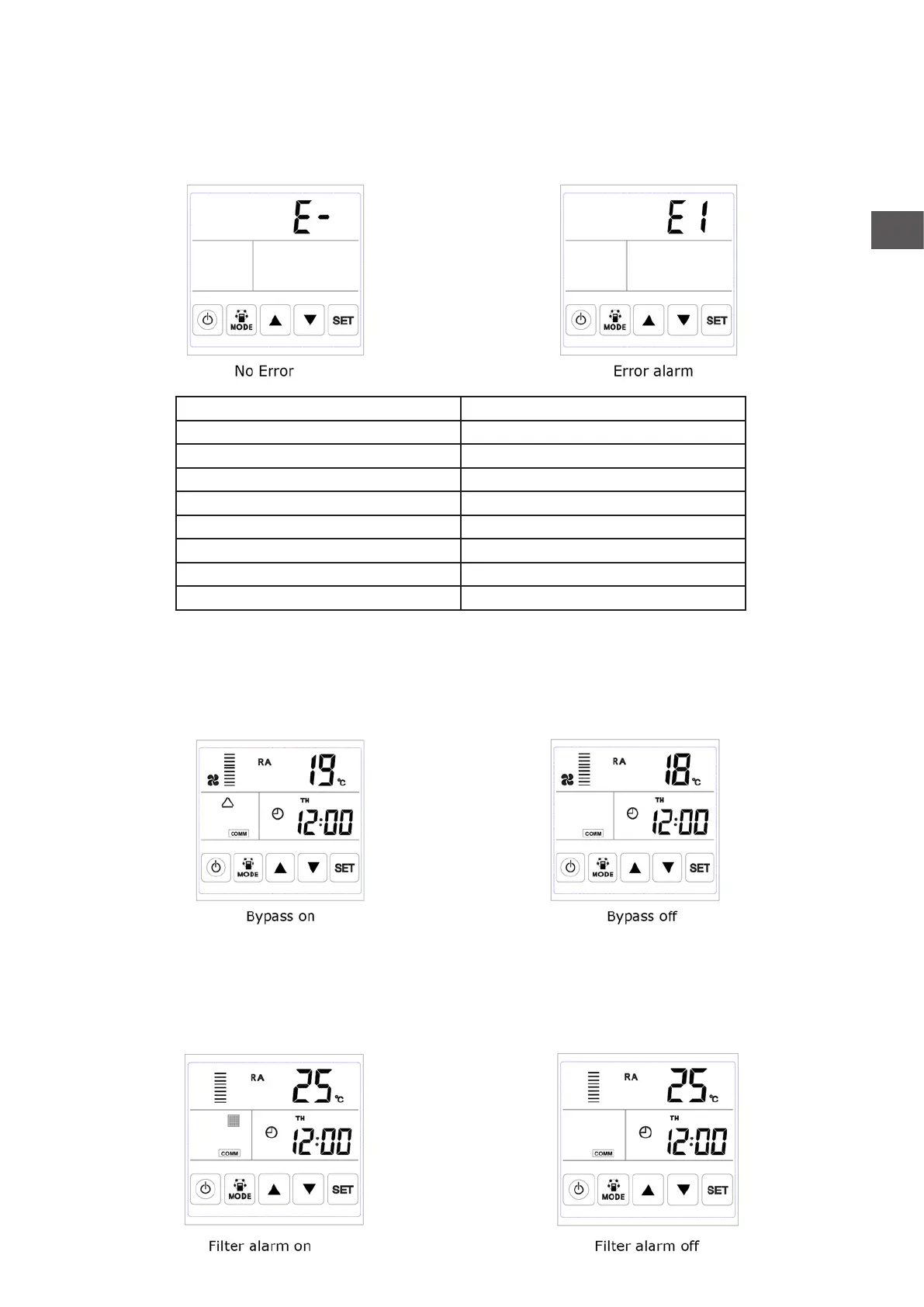
4. Error code checking: under the main interface, press the SET button for short, user can check the error
code of ventilator, refer to below table.
5. Bypass setting: when bypass is on, the triangle bypass symbol appears, when bypass is off, the sym-bol
disappears.
6. Filter alarm: When running time of ventilator is over the setting lter alarm time, the lter alarm symbol
ashes to remind user clean/replace the air lters. After lters being cleaned/replaced, please sweep the
lter alarm by setting parameter Number 24, value 1.
Code Error
E1 Fresh air temperature sensor error
E2 EEPROM error
E3 Return air temperature sensor error
E4 Exhaust air temperature sensor error
E5 Communication error
E6 Supply air temperature sensor error
E7 Exhausted fan error
E8 Supply fan error



 To Next Page