EasyManua.ls Logo

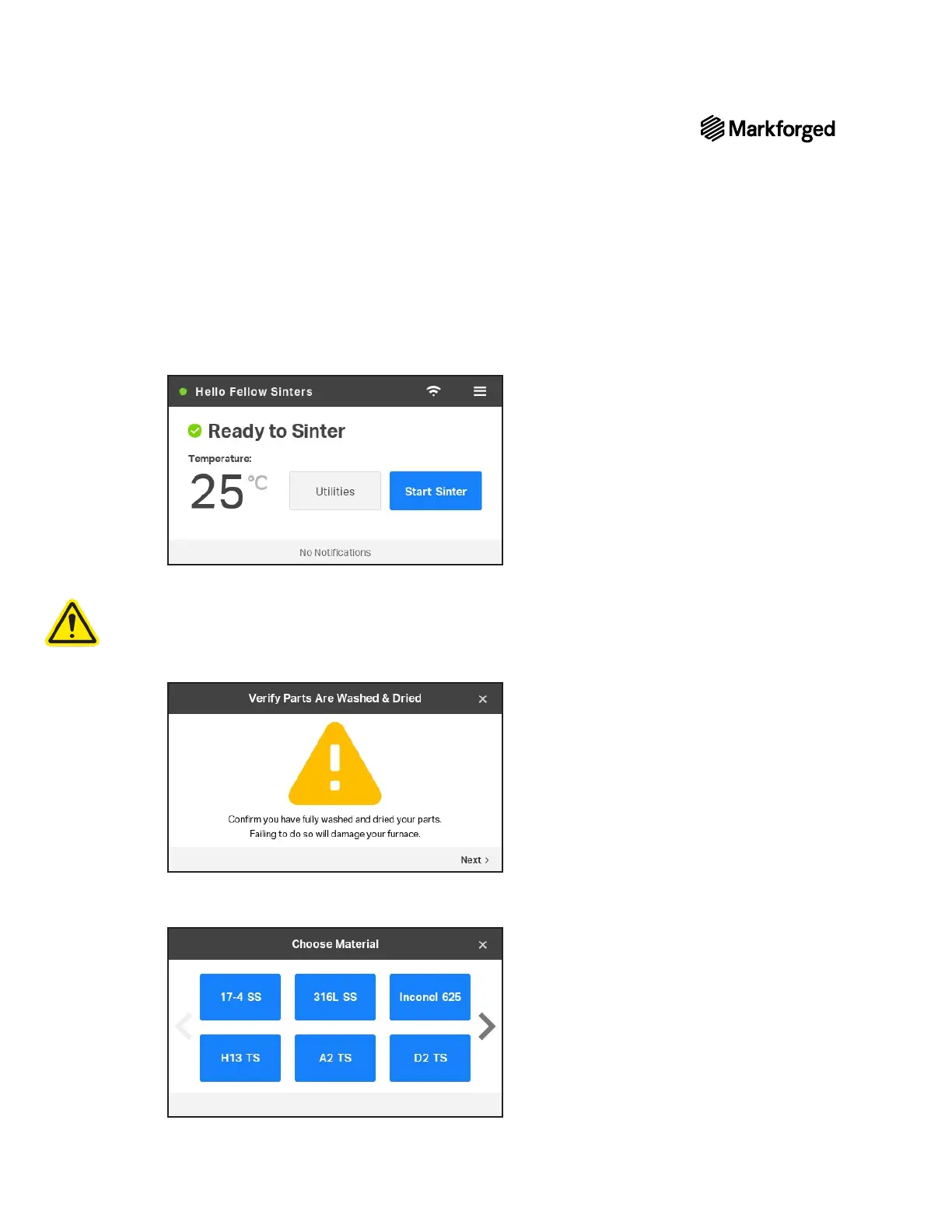
Markforged SINTER-2 - Initiating the Sinter Process

Default Icon
47 pages
Print Icon
To Next Page IconTo Next Page
To Previous Page IconTo Previous Page
Loading...
SINTER-2 USER GUIDE
18

1. er
2. brown

Note: You can track the wash/dry
status of a green or brown part using the Wash Jobs page in Eiger. To access this page,
navigate to the main Eiger screen, then select Wash Jobs from the sidebar.
3. 



Related product manuals