3.2 Accessing to the Camera
Whenever you want to access the Marmitek IP Eye Anywhere camera:
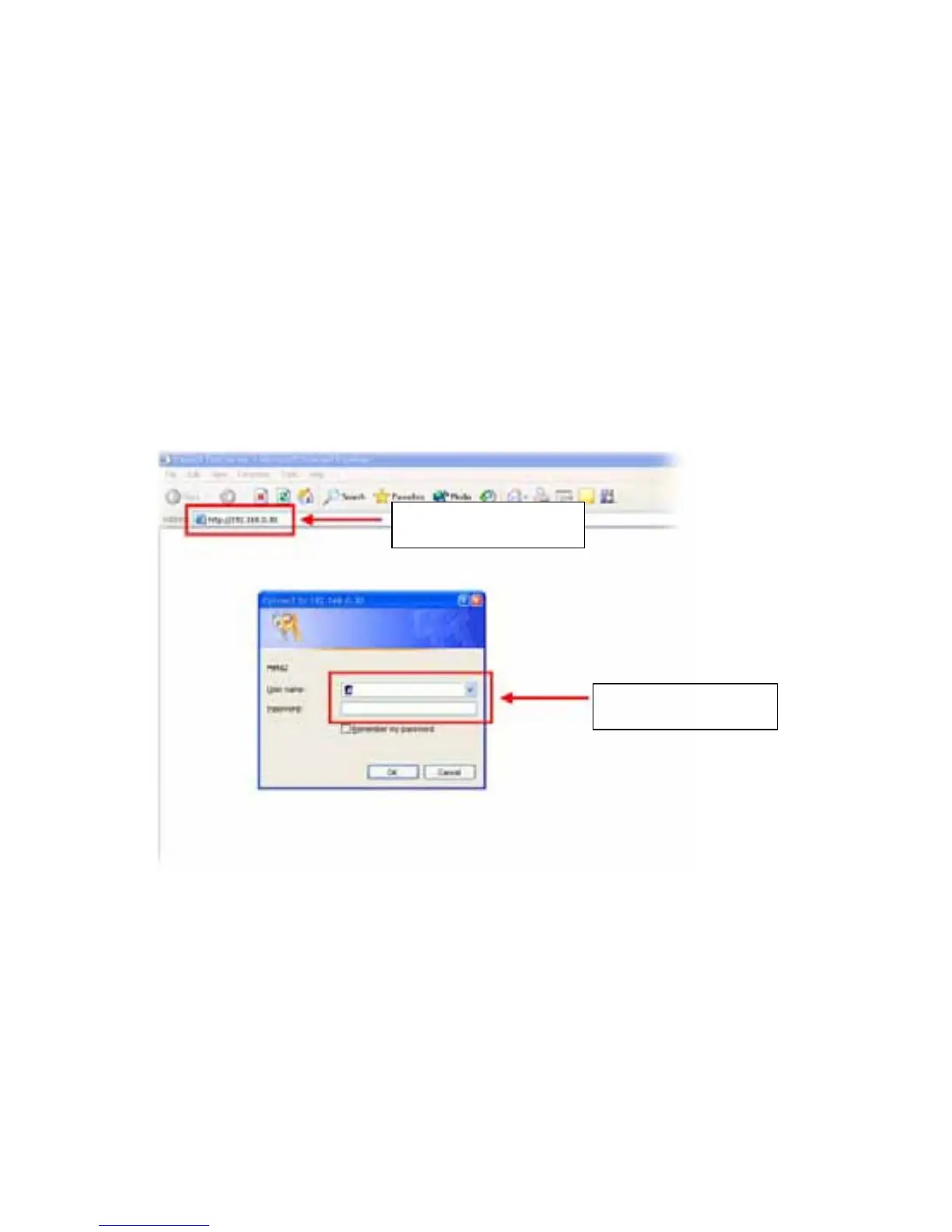
1. Open the Web browser on your computer (for example, Microsoft
Internet Explorer in this guide)
2. Type the default IP address (192.168.0.30) or the IP address found
by IPFinder in the Address bar, and then press [Enter].
3. When the login window appears, enter the default User name
(admin) and password (admin) and press OK to access to the
main screen of the camera’s Web Configuration.
Enter the IP address
of the camera here.
Enter the User name
and Password.
NOTE If you are initially access to the camera, you will be ask to install
a new plug-in for the camera. Permission request depends on
the Internet security settings of your computer. Click Yes to
proceed.
IP Eye Anywhere
- 13 -



 To Next Page