CHAPTER 4
CONFIGURING THE CAMERA
4.1 Using the Web Configuration
You can access and manage the Marmitek IP Eye Anywhere camera
through the Web browser and the provided software application
UltraView. This chapter describes the Web Configuration, and guides
you through the configuration of the camera by using the web browser.
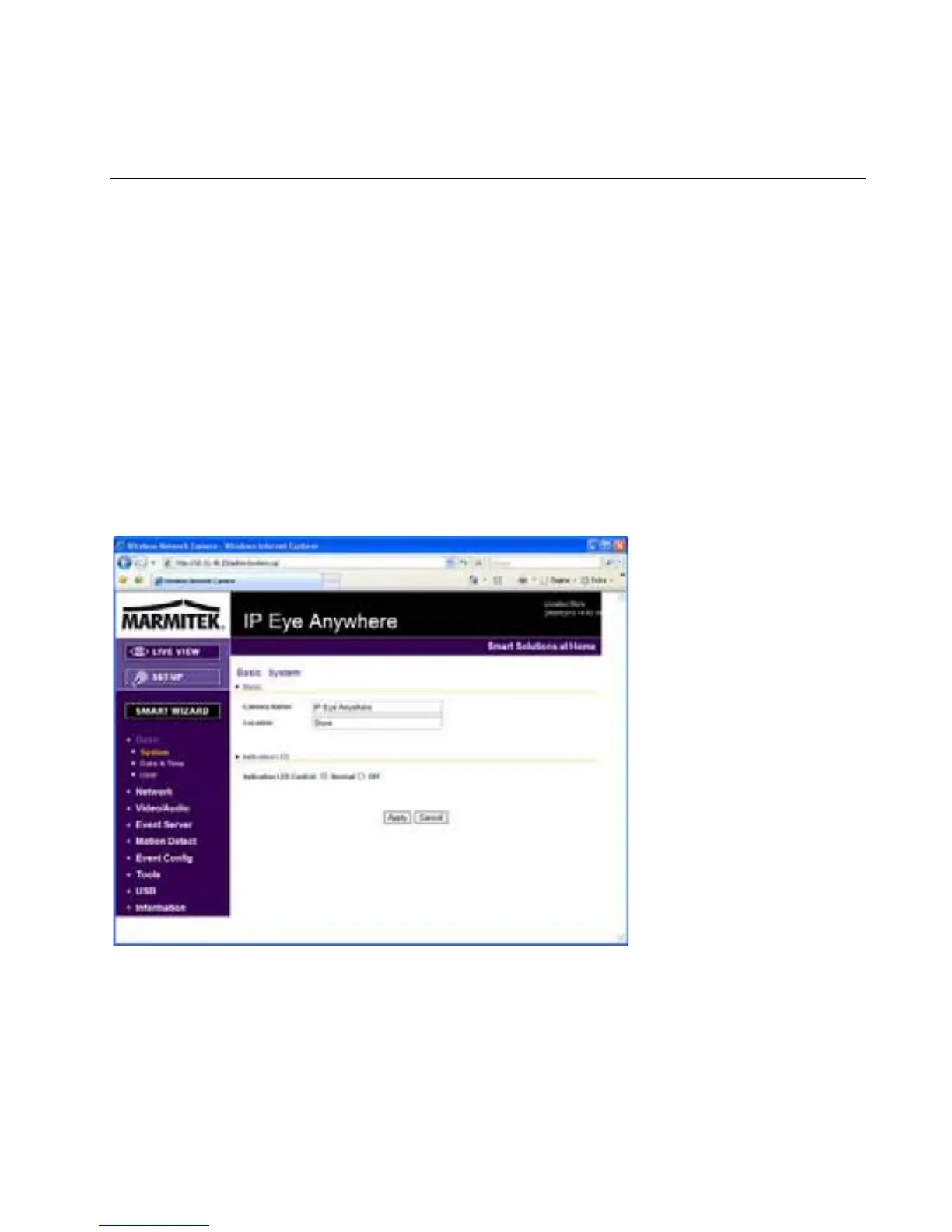
To configure the camera, click Setup on the main page of Web
Configuration. The Web Configuration will start from the Basic page.
The Web Configuration contains the settings that are required for the
camera in the left menu bar, including Smart Wizard, Basic, Network,
Video, Audio*, Event Server, Motion detect, Event Config, Tools,
USB* and Information.
*supported by IEA 20 and 21 only.
IP Eye Anywhere
- 17 -



 To Next Page