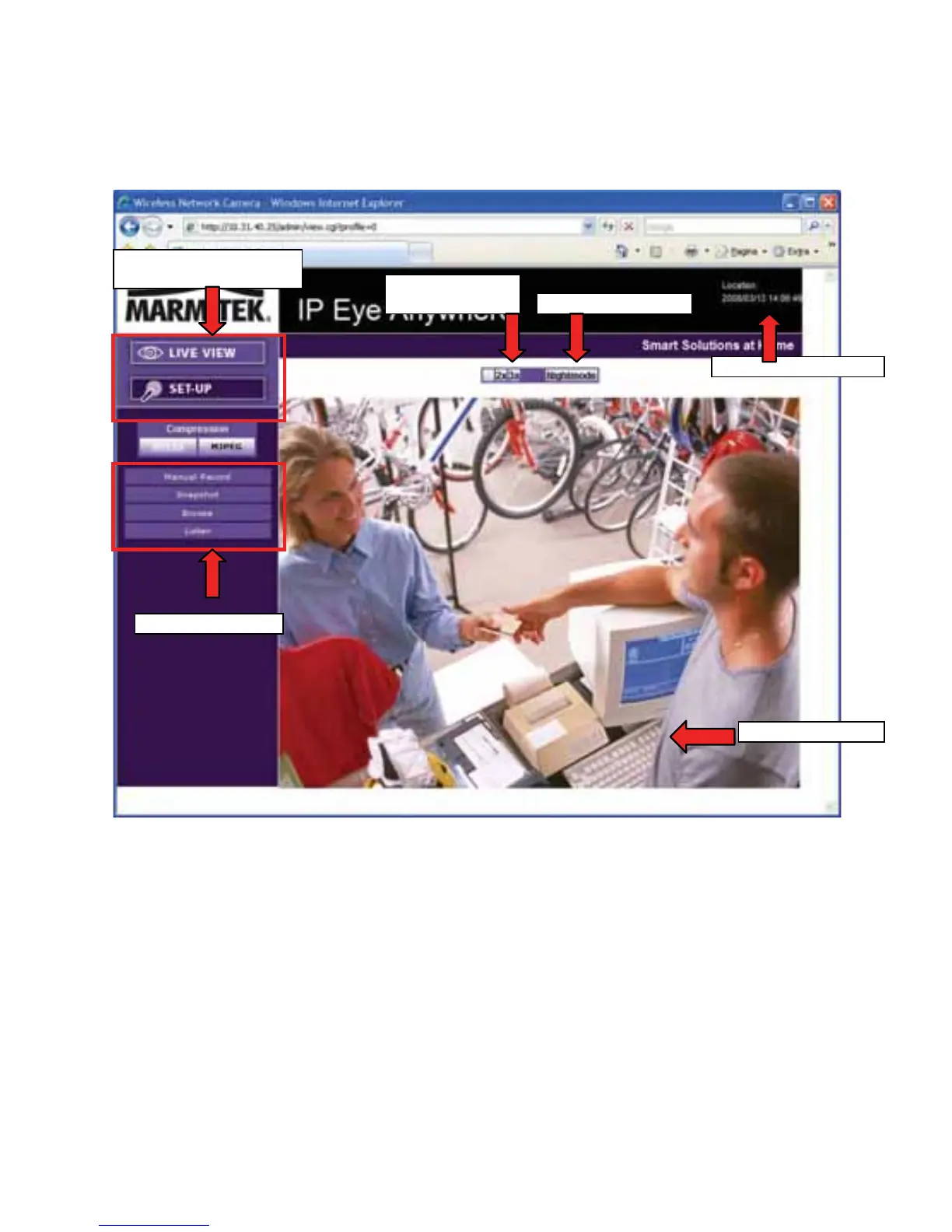
After you login into the Web Configuration of the camera, the main
page will appear as below:
Live View/Setup
Switch
Zoom In
Buttons Ni
e
The main page of the Web Configuration provides you with many
useful information and functions, including:
Camera Information
– Display the camera’s location and the
current date & time. The information can be modified in the Web
Configuration.
Live View Image
– Displays the real-time image of the connected
camera.
MARMITEK
- 14 -
Live View/Setup Switch
– Click Setup to configure the camera.
For details, see Chapter 4.



 To Next Page