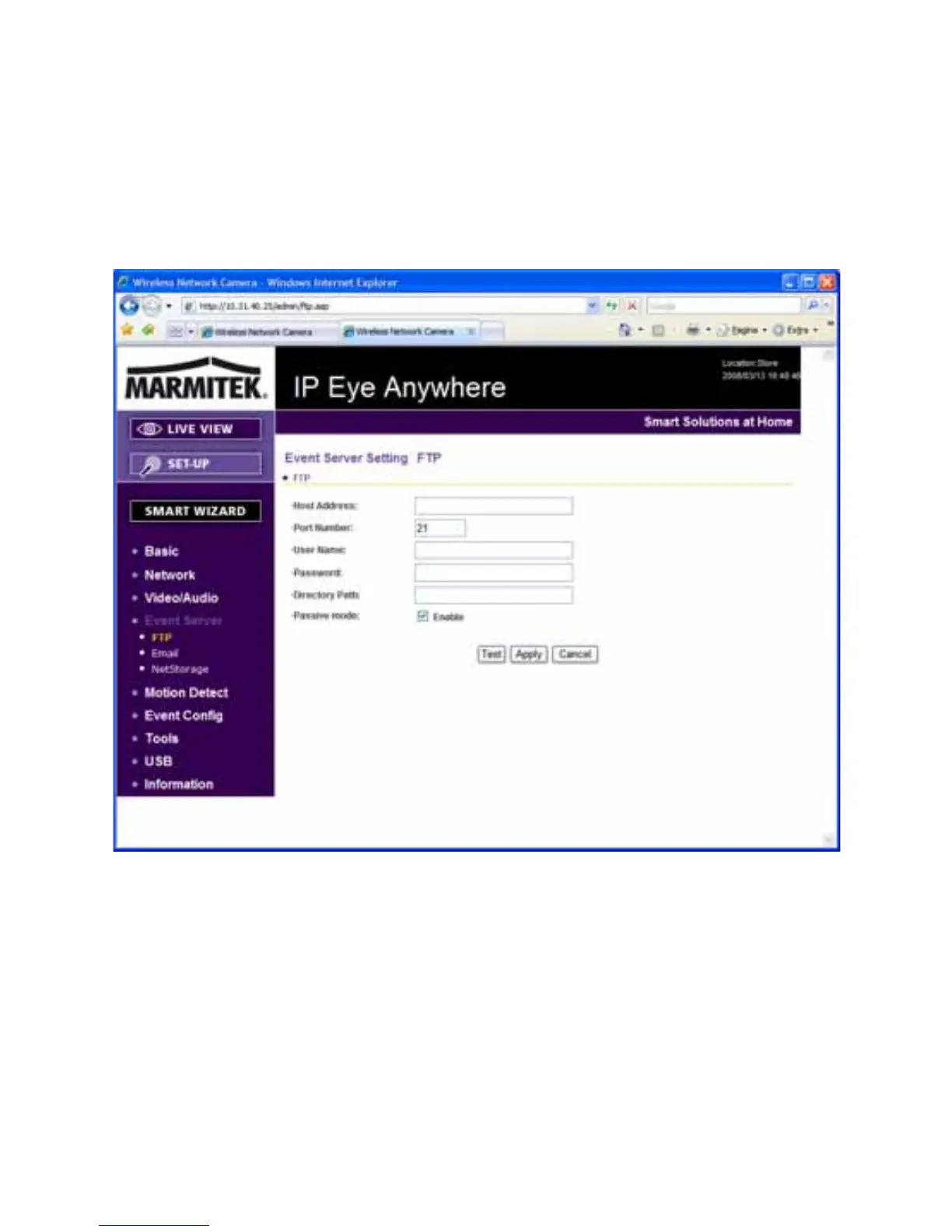
4.6 Event Server Configuration
The Event Server menu contains sub-menus that allow you to upload
images to FTP, and send emails that include still images. The IEA 20
and 21 can also store the images to a NAS system.
When you complete the required settings for FTP, or Email, click Test
to test the related configuration is correct or not. Once the camera
connects to the server successfully, click Apply.
IP Eye Anywhere
- 33 -



 To Next Page