MARQ Golfer (Gen2) 1
EN
Introduction
WARNING
See the Important Safety and Product
Information guide in the product box for
product warnings and other important
information.
Always consult your physician before
you begin or modify any exercise
program.
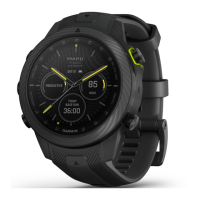
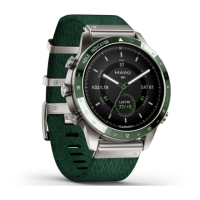
Never settle. Aim for glory. The MARQ
Golfer is a modern tool watch like no
other. It’s built from Grade-5 titanium to
be harder and stronger, with a stunning
new AMOLED touchscreen display.
With more than 42,000 preloaded
golf courses and our most advanced
game-tracking data ever, you’ll be able
to take your performance to entirely new
heights.
Getting Started
When using your watch the first time,
you should complete these tasks to set
it up and get to know the basic features.
1 Press LIGHT to turn on the watch
(page 1).
2 Follow the on-screen instructions to
complete the initial setup.
During the initial setup, you can pair
your smartphone with your watch
to receive notifications, sync your
activities, and more (page 3).
3 Charge the device (page 12).
4 Start an activity (page 10).
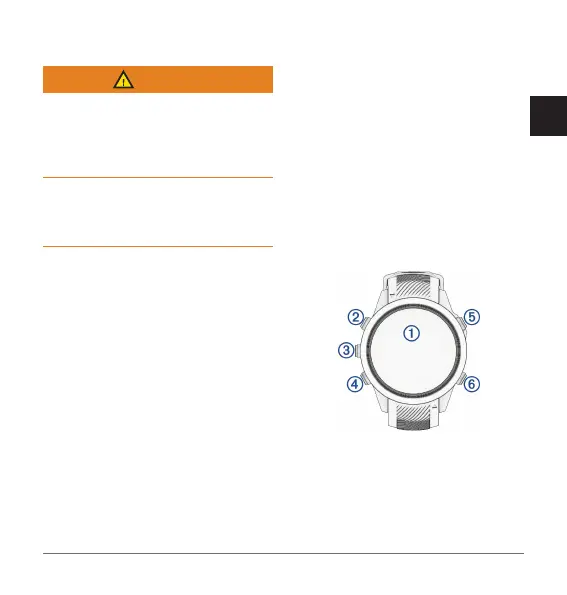
Device Overview
Touchscreen
• Tap to choose an option in a
menu.
• Hold the watch face data to open
the glance or feature.


 To Next Page