EasyManua.ls Logo

MARS COMMERCE ZEUS4 - Start up

MARS COMMERCE ZEUS4
27 pages
Print Icon
To Next Page IconTo Next Page
To Previous Page IconTo Previous Page
Loading...
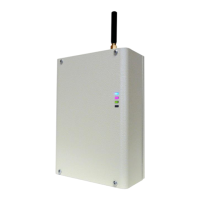
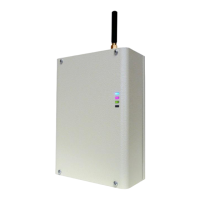
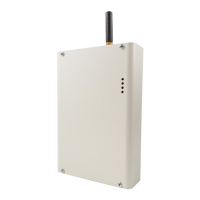
ZEUS4
USER MANUAL
Page 6
4 START UP
ZEUS4 unit accepts a standard GSM SIM card from any network.
VERY
IMPORTANT
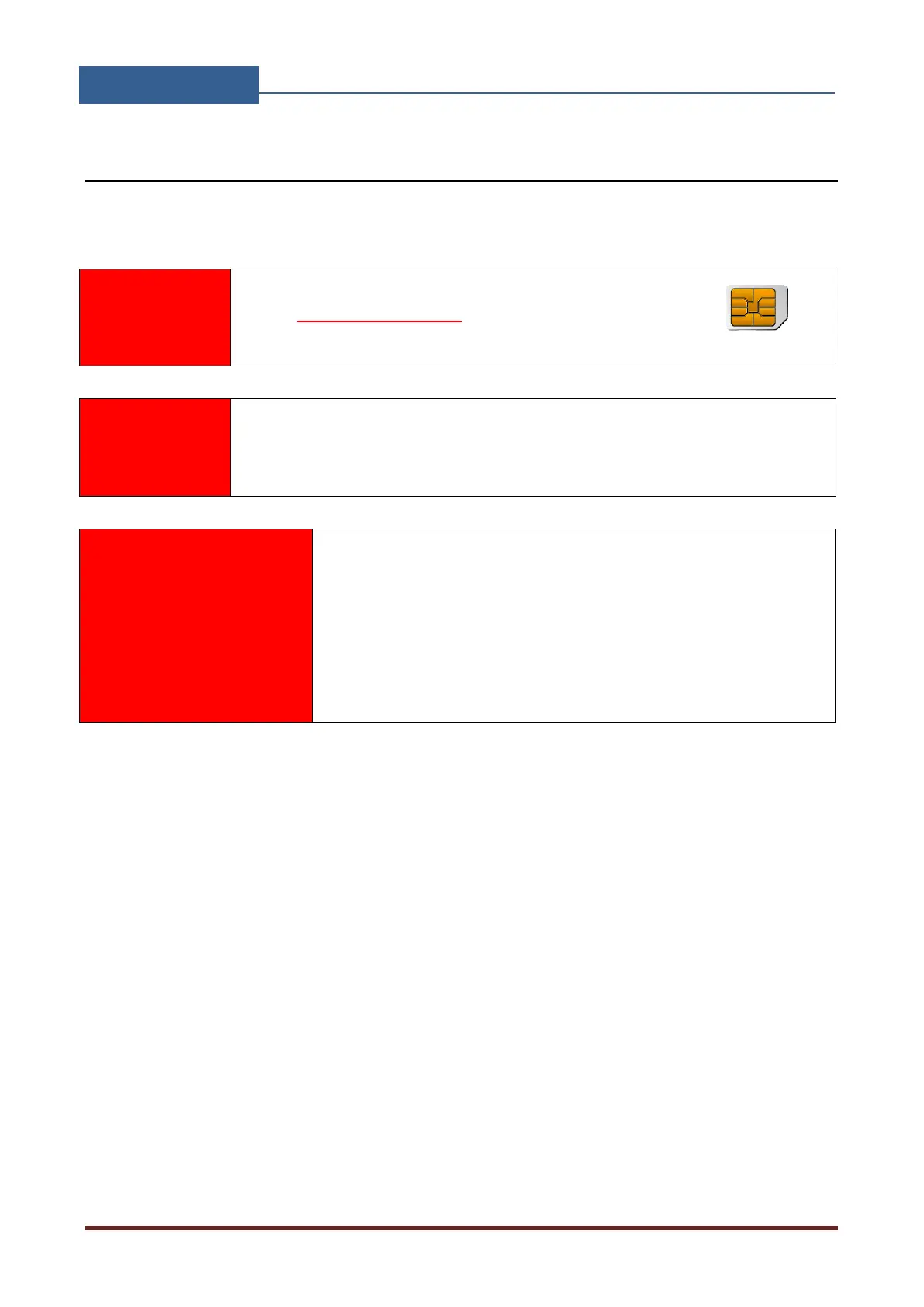
USE A MICRO SIM CARD
WARNING
DO NOT Insert or remove the SIM card while the unit is powered ON!!
IMPORTANT
Before inserting SIM card to unit make sure the PIN code is
removed!!
Insert SIM card in ZEUS4 unit.
Connect power cable to ZEUS4 unit (YOU MUST POWER THE ZEUS4 UNIT WITH
THE POWER SUPPLY INCLUDED). Do not power with any other power supply.
Power up the unit.
Wait until LED1 (Blue) starts flashing. This is set in around 30 45 seconds.
ZEUS4 unit is now ready to operate.

Other manuals for MARS COMMERCE ZEUS4

Related product manuals