Quick Start
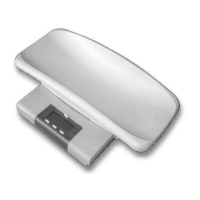
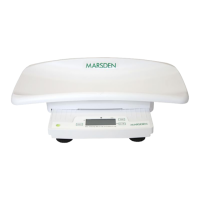
Place the Baby Scale on a firm, level surface. Adjust the feet of the Baby Scale (by rotating) so
that the spirit bubble is in the centre of the circle and all four feet are touching the surface.
Ensure that there is nothing on the Baby Scale and nothing to obstruct its free movement.
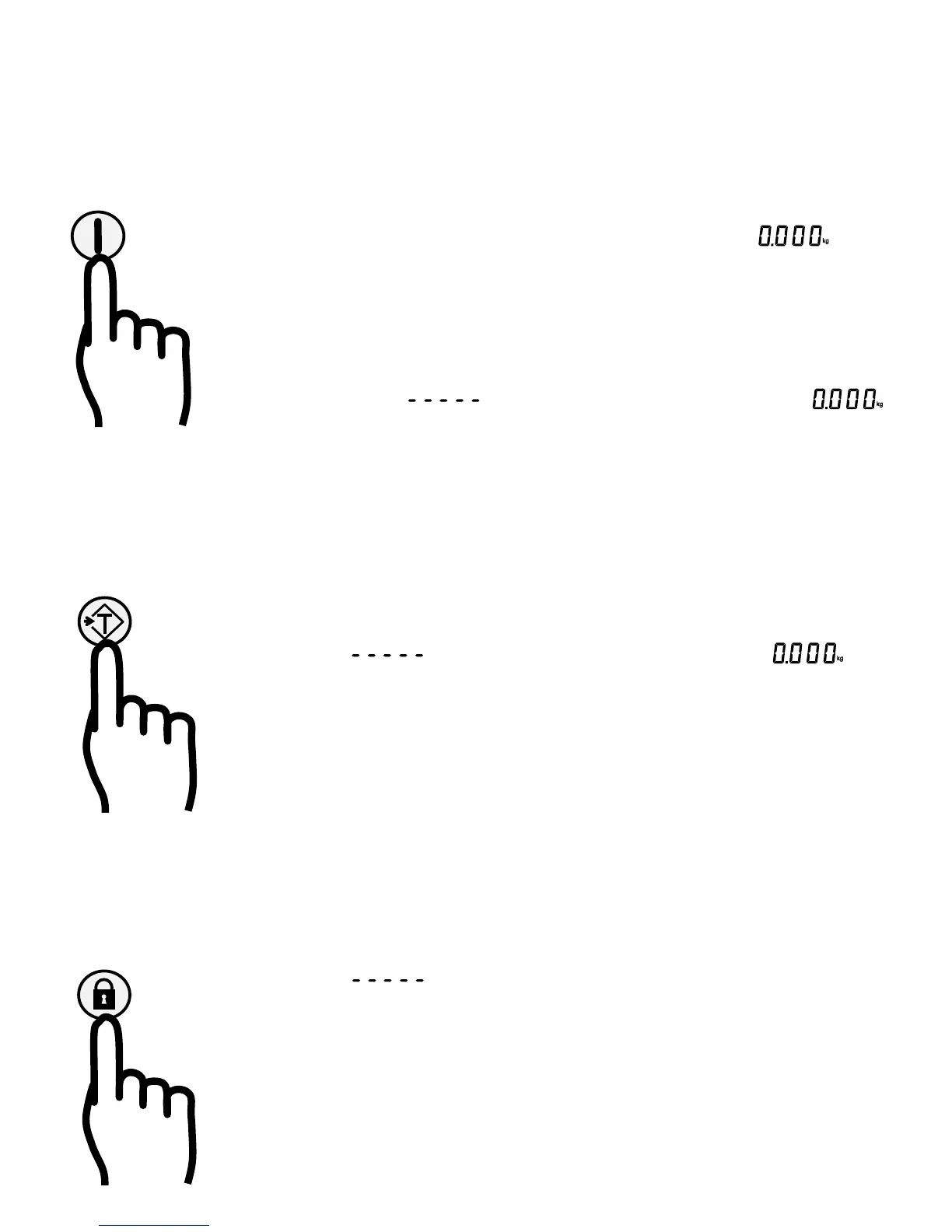
Press and hold the On/Zero/Off button for one second
- The Baby Scale turns on, first displaying a segment check pattern then
Place the baby on the scale
- The scale beeps when the weight is displayed.
Pressing the On/Zero/Off button will re-zero the scale. This also turns off the tare
and hold functions. The Baby Scale should only be zeroed with no load present.
- The display shows whilst setting the new zero, then displays
Pressing the On/Zero/Off button for one second will turn the Baby Scale off.
~~~~~~~~~~~~
Tare
If an extra item is to be weighed with the baby, but not included in the weight measurement, then:
Place the extra item (e.g. a towel) on the Baby Scale and press the Tare button
- The display shows whilst measuring, then beeps and displays
- The scale displays the ‘NET’ symbol and an arrow beside the Tare button.
Place the baby on the scale - the scale beeps as the baby’s weight is displayed.
Press the Tare button again, or turn the Baby Scale off, to cancel the tare function.
~~~~~~~~~~~~
Hold
If the baby is moving too much for a stable measurement, press the Hold button to select the Hold
function. The hold function may be selected before placing the baby on the scale.
- The display shows until the baby is on the scale and a steady reading is
acquired, then the scale beeps and displays the weight.
- The scale also displays the HOLD symbol and an indicator beside the Hold button.
- This measurement will be held on the display, even if the baby is removed.
- Pressing the Hold button again, or turning the Baby Scale off, will turn off the
hold function.


 To Next Page