7
Troubleshooting
Display off: - try pressing the On/Zero/Off button for at least 2 seconds;
- or disconnect and reconnect the mains supply,
- or replace the batteries ensuring the correct polarity.
Display - this may be caused by external vibrations, wind or air movement.
fluctuating - try turning the scale off and on again, or move the scale to a different location.
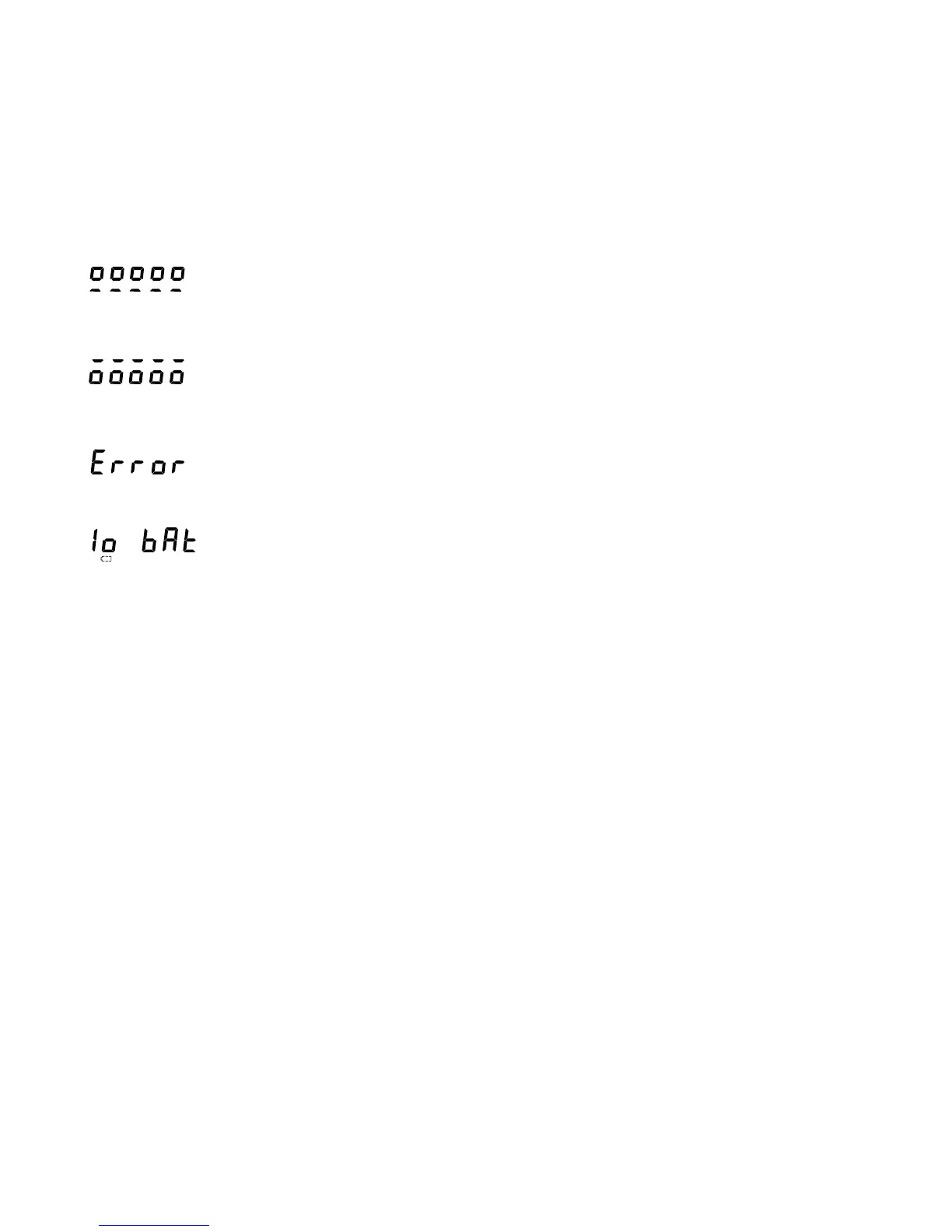
- load on scale when it is trying to zero.
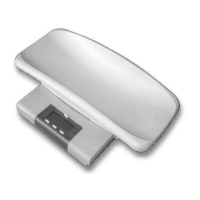
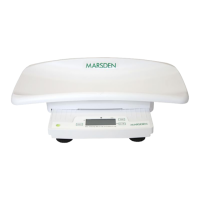
- remove load from the Baby Scale
- ensure firm and level surface and free movement.
- negative load on scale when trying to zero – possible obstruction.
- remove load from the Baby Scale
- ensure firm and level surface and free movement.
- the load (including tare) is outside the weighing range.
- If the scale is successfully zeroed and the load is known to be within the weighing
range, then contact your service agent.
- replace batteries.
If the advice above does not clear the fault, then try turning the scale off and on again, or
disconnect and reconnect the supply, or remove and re-fit the batteries.
If the fault is still present, then contact your service agent.


 To Next Page