9
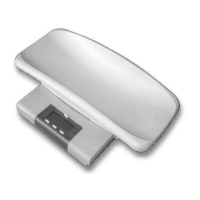
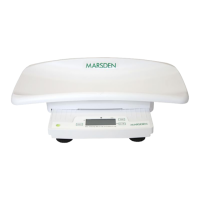
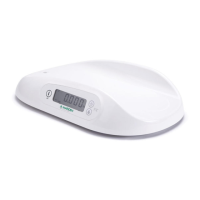
M300 BABY SCALE
SERVICE MANUAL
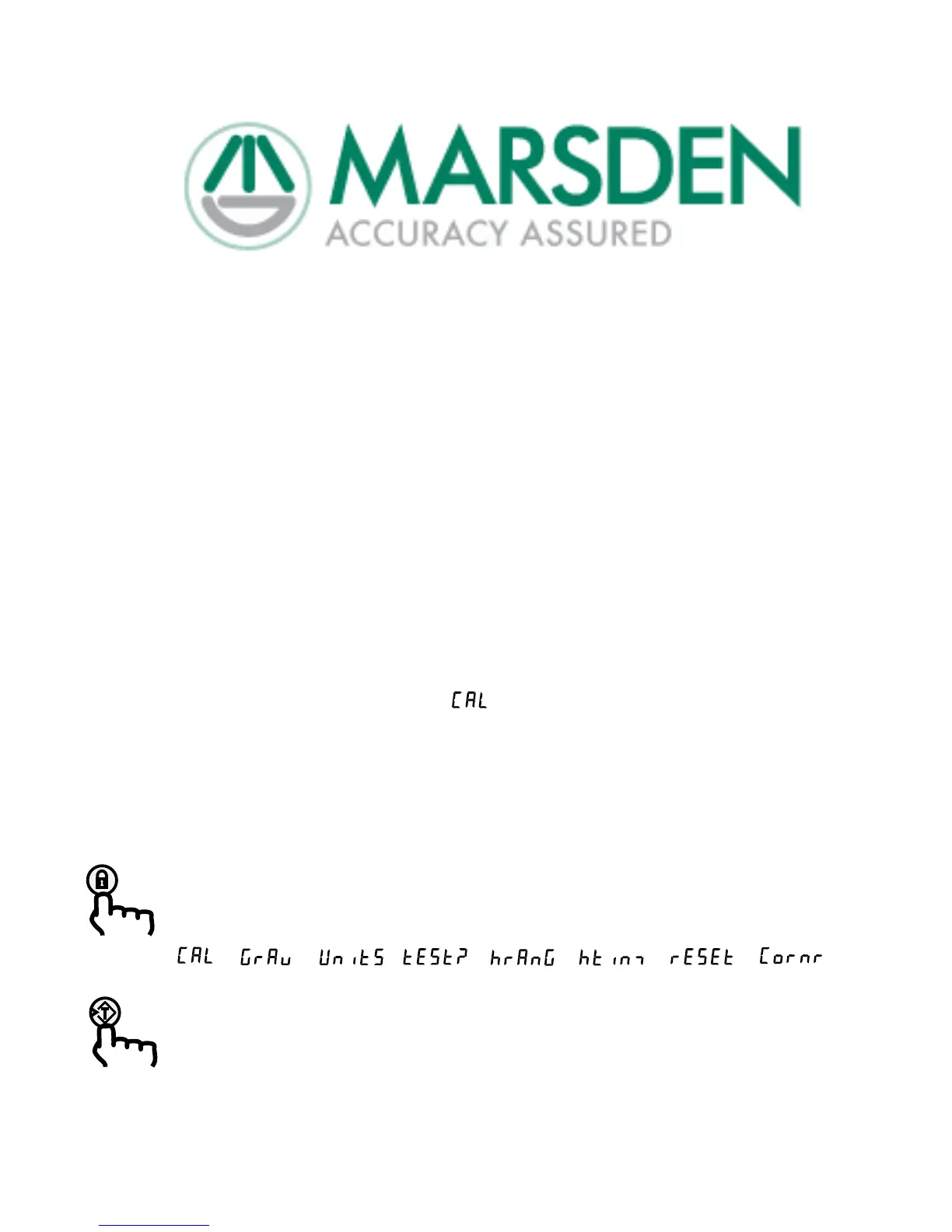
Service Menu
Service mode can only be selected by breaking the tamper-proof seal, on the underside of the scale, to gain
access to the hidden Service switch.
If the Service switch is pressed whilst the scale is ‘on’, using a suitable tool (e.g. a cocktail stick), then the
scale enters service mode, and the display shows .
The service switch does not need to be pressed again, whilst the scale is in service mode, so the scale can
be replaced on a firm surface.
Selecting service mode cancels both the tare and hold functions.
Repeatedly pressing the Hold button sequences through the service menu:
Calibrate → Gravity → Units → 10x res → HOLD range → HOLD time → Defaults → Corner → …
Display:
Pressing the Tare button selects the displayed service function (see following pages).


 To Next Page