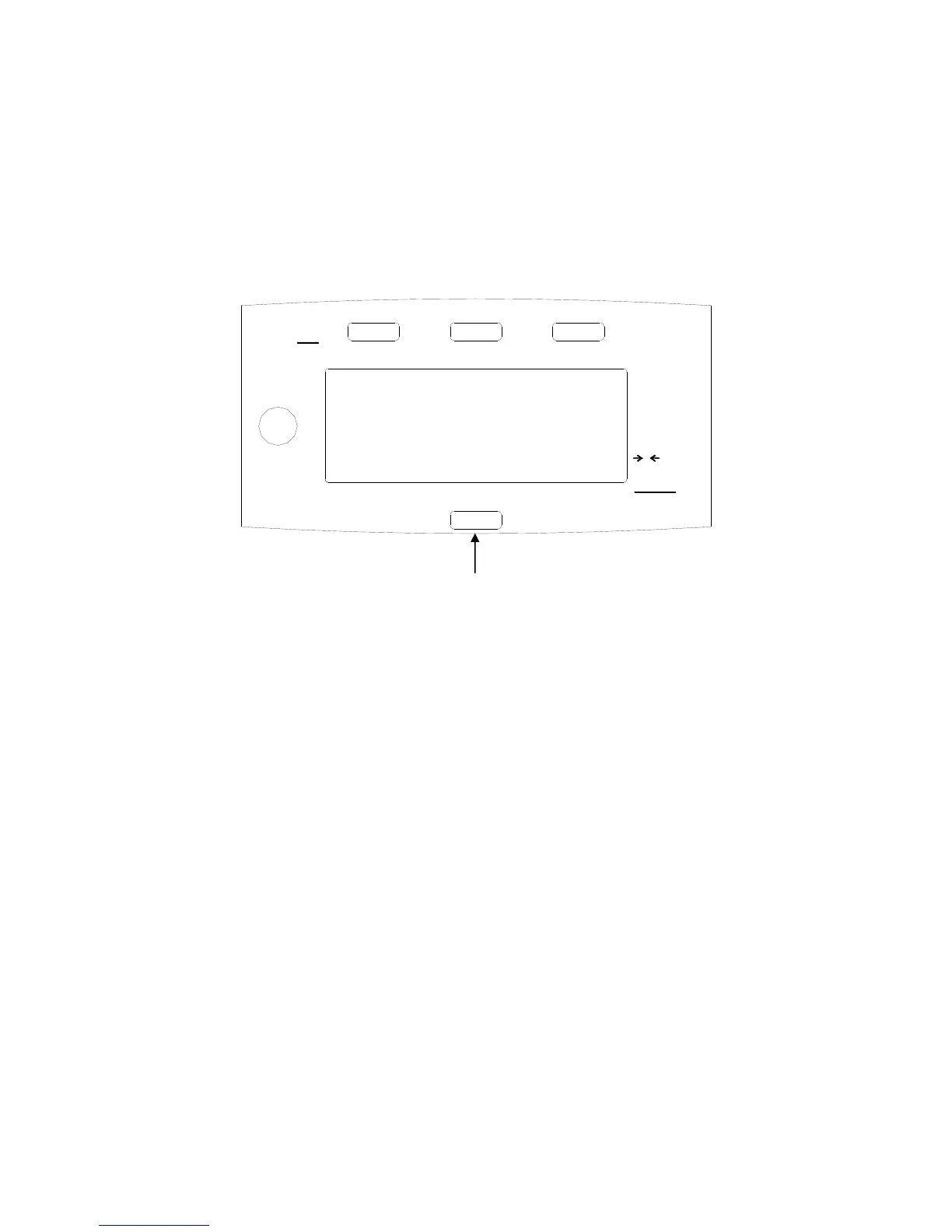
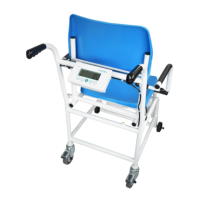
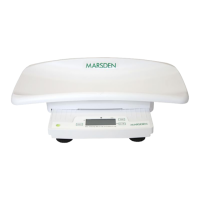
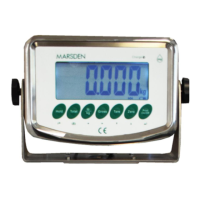
ON/ZERO/OFF
1. Press this key to power up the scale, the display will go to 0.00kg
2. MS-4101/MS4102 Pressing the Single ON/OFF/ZERO key on the opposite side of
the display will cause the scales display to reverse, therefore the display can be set
to be viewed by the patient or the operator
3. If the scale shows a figure other than 0.00kg with no weight applied then press the
ON/ZERO/OFF key once to Zero the display.
4. Press and Hold the ON/ZERO/OFF key to switch off the scale.
Note: The scale has a built in Battery save function that will switch off the scale after a period of
inactivity, usually around 5 minutes
HOLD
1. When weighing a patient press the Hold key once and the scale will ‘lock’ onto the
patients weight once a stable reading as been taken.
2. Press the Hold key again to release the display.
TARE
1. The Tare key can be used to Zero the weight of any unwanted item, example –
When weighing a baby it is normal for some paper towels or similar to be placed


 To Next Page