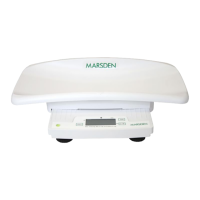
onto the scale, press the Tare key once and the weight of the paper towels will be
zeroed off.
2. After weighing the baby, remove the paper towels and press Tare again to cancel the
tare value and return to Zero.
BMI
1. After the patient stands on the scale, press and hold the BMI key for 3 seconds.
2. The scale will enter Height entry mode.
3. Use the +/- keys to adjust the display to the patients height in centimeters.
4. Press the BMI key once and the patients BMI result will be shown on the display.
5. Press the BMI key once again to return to normal weighing mode.
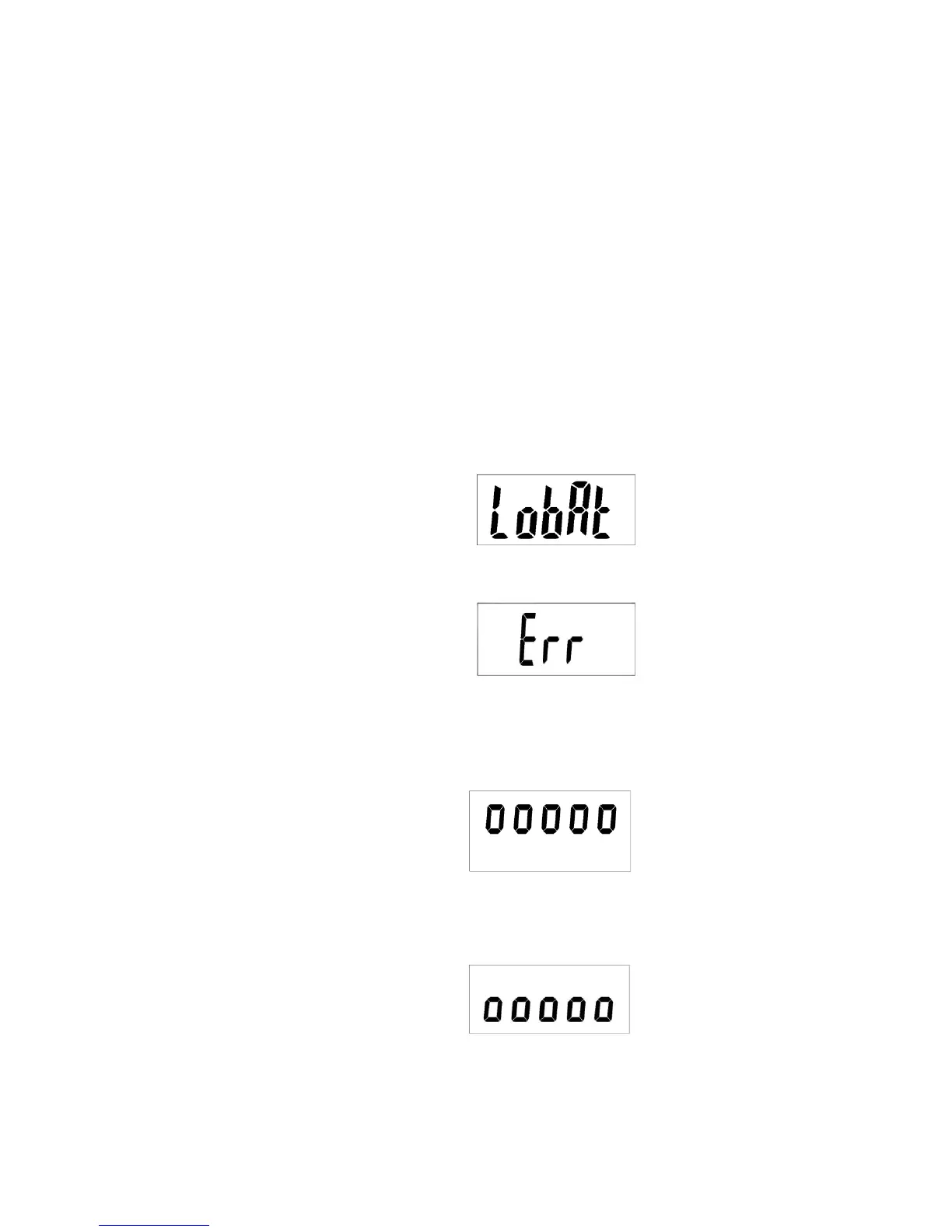
ERROR MESSAGES
1. Low Battery
2. Over Load
3. High/Low Zero Count
4. Low Zero Count
This indicates that the scales load
sensor/s have been overloaded, re-
calibration may fix this problem but it
usually indicates a faulty load sensor
1) The scale is above its Zero Range,
remove any weight on the scales
and try to power on again. If the
scale still shows the error message
then it indicates a fault with the
scales electronics.
2) The scale is below its Zero range,
check there is nothing jammed
underneath the scale and try to power
on again, if the scale still shows the
error then it indicates a fault with the
scales electronics
The scales alkaline AA type batteries
are flat.
Replace the batteries with new ones


 To Next Page