VS-570-HDSDI User Manual
2.0 Megapixel Speed Dome Manual
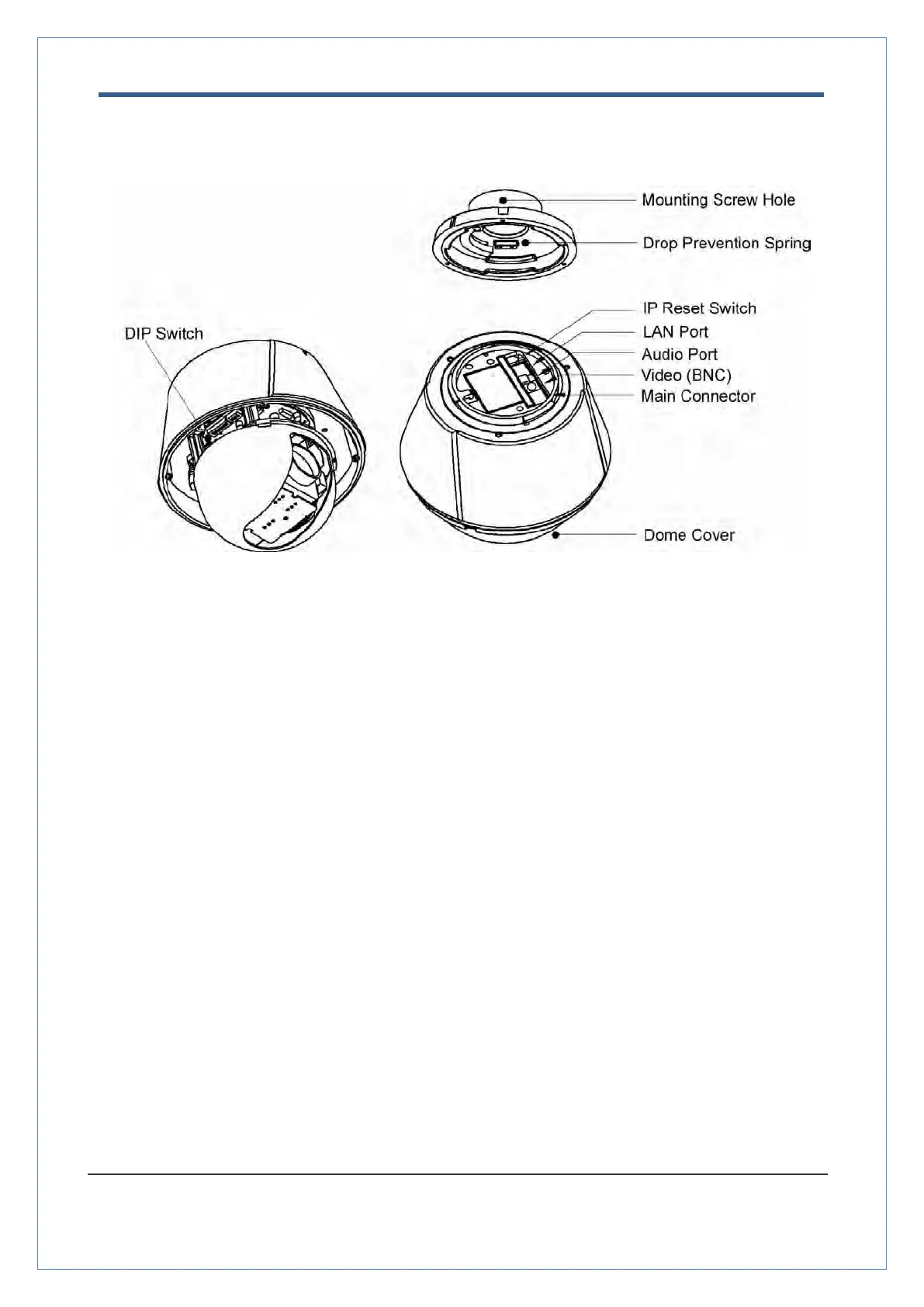
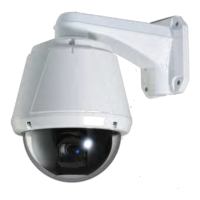
Part Names and Functions
To protect the dome cover from scratches or dust Do Not Remove the
protective vinyl from the dome before completing the installation process.
Sets up camera ID and protocol.
This prevents the camera from dropping during installation and
maintenance. After installing the Bracket, please connect the spring to
the drop prevention hook of main body as shown in picture.
This hole is for screws that attach the main body to the mounting
Reset the network configuration to the factory defaults. You will lose
all the data that had been previously entered . To initialize the system
to the factory default, press the reset button and hold for more
than 5 seconds.
This is used for the Ethernet connection.
This is used for the audio in/out connection.
This is used for the HD-SDI video out.
This is used for connecting to the power wire, the RS-485
communication cable, and the alarm in/out connection cable.


 To Next Page