ending setpoint location. Example: if
you have all 9 setpoints stored but
only want to step through the first 3
then enter “3” for this question.
c. The next screen prompts you to enter
the dwell time from 5 to 500 seconds.
Simply enter a number in that range.
Then press the “Enter” key.
d. Auto-step will begin.
e. To exit auto-step press “CE” key or
enter a value.
4. Manual Stepping
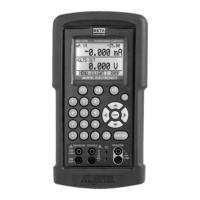
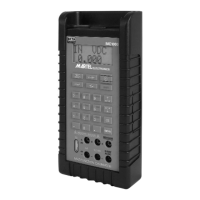
The MC1000 can be manually stepped
through all or some of the stored set-
points. The procedure is as follows:
a. Press “Shift” followed by “Man”.
b. Using the arrow keys, toggle up and
down through the stored setpoints.
c. To exit press CE or simply enter a new
output value.
5. Pressure Module Interface
The MC1000 has the capability to inter-
face with a family of pressure modules
available from Martel. The procedure is
as follows:
a. Connect the pressure module to the
15 pin “D” connector on top of the
MC1000.
b. Press “Shift” followed by the “ ”
key.
c. Always zero the pressure module
before starting a calibration. Press
“Shift” followed by the “Zero” key.
Note: More detailed information can be found with
the instructions packaged with each module.
8


 To Next Page