MICROSENTRY™ REFRIGERATION MONITOR
16
Section 6: Interior Components
6.1 Lights
The wine cellars and beverage centers are equipped with one (1) light, which is located behind the display housing
on the inside top of the cabinet.
Replacing the Light Bulb:
Disconnect power to the unit.1.
Unscrew the old light bulb located behind the display housing at the top of the unit.2.
Set the old light bulb aside.3.
Screw the new light bulb into place.4.
Reconnect power to the unit.5.
Check to see if the light bulb operates properly to complete installation.6.
6.2 Racks
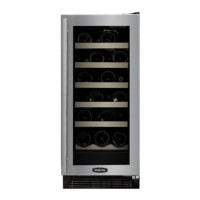
The units utilize peg supports to hold the sliding racks. The sliding racks can be removed from the unit without
removing the support pegs. To remove the sliding racks, line up the support pegs with the notches in the retainer
wire. Then lift the racks up over the pegs and remove.
The fixed top rack can be removed from the unit by removing the four (4) screws holding the rack in place.
The glass shelves can be removed by simply pulling the shelves forward out of the unit.
DO NOT LEAN ON OR PRESS DOWN HEAVILY ON THE WINE SHELVES. Doing so may damage the shelves •
and the wine bottles stored on them.
Pull the wine racks out gently and carefully to minimize unsettling of the wine collection.•
Avoid pulling out more than one rack at any time to maintain stability.•


 To Next Page