3.4Product Output Guide3.4Product Output Guide
3.4.1AC Output
Make sure the main power is turned on before using the product.
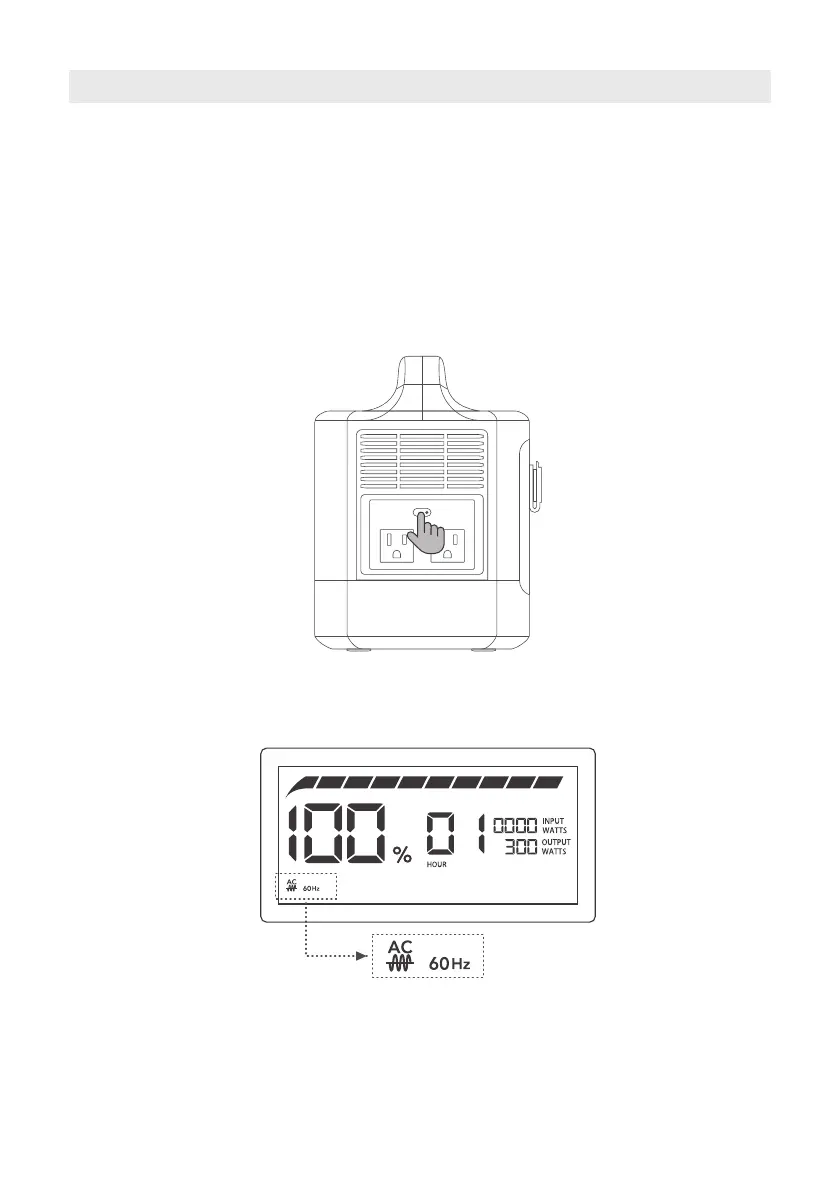
Short press the AC Output Power Button to turn the AC output on, short press AC Output Power
Button again to turn it off. The screen will display the AC output indicator and the current output
power. To avoid unnecessary power waste, please turn off the AC output when it’s not in use.
Short Press AC Power Button
AC Output Enabled
6



 To Next Page