3.4.312V DC Output
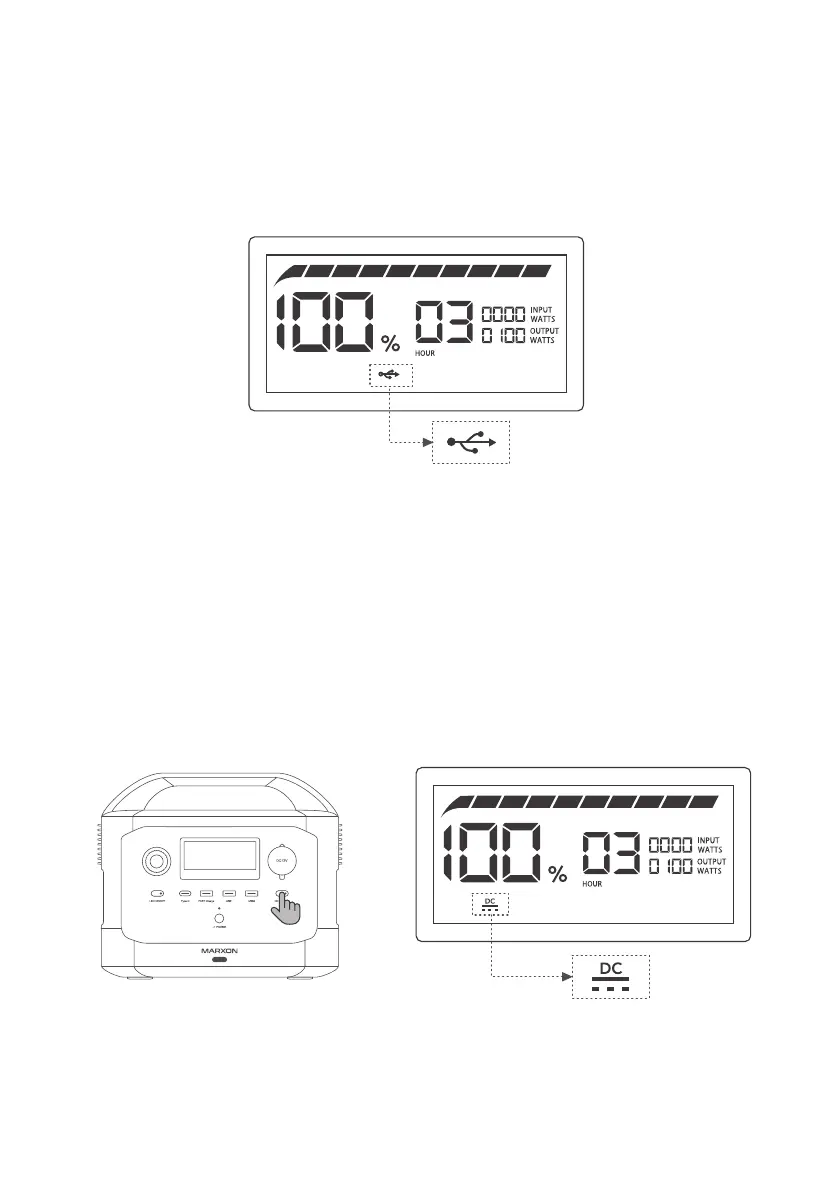
Short press the DC Output Button, the product turns on or off its DC output. A DC output indicator
will be displayed on the screen when the DC output is enabled. Note: Excess rated current of the
devices may trigger overcurrent protection of the product and it will stop the DC output.
12VDC Enabled Output Short Press DC Output Button
7
3.4.2USB Output
After the product is turned on, the USB Output will be automatically enabled and a USB output
indicator will be displayed on the screen. With 2 x 12W USB-A ports, 1 x 60W USB-A fast charging
ports, and 1 x 100W USB-C charging port, the product supports most fast-charging protocols.
Only if the USB output exceeds 30W, the current USB output power will be displayed on the screen.
USB Output Enabled
G30 0



 To Next Page