-7-
RESISTANCE MEASUREMENT
1.
2.
3.
4.
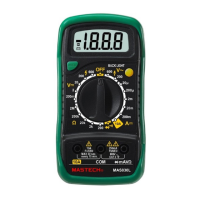
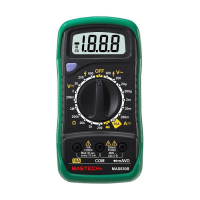
Connect the red test lead to “V. Ω. mA” jack and black
test lead to the “COM” jack. (The polarity of red lead is
positive “+”.)
Set the rotary switch at desired ”Ω” range position.
Connect test leads across the resistor to be measured
and read LCD display.
If the resistance being measured is connected to a
circuit,turn off power and discharge all capacitors before
applying test probes.
AUDIBLE CONTINUITY TEST
1.
2.
3.
Connect red test lead to “V.Ω.mA”, black test lead to
“COM”.
Set range switch to “ ” position.
Connect test leads to two points of circuit to be tested. If
continuity exists, built-in buzzer will sound.
MEASURING TEMPERATURE
1.
2.
3.
If the meter is the ℃ function, set the rotary switch at
℃. Position. If it is the °F function, set the rotary switch
at °F Position. The LCD display will show the current
environment temperature.
Connect the red lead of“ K ” type thermocouple into
the “V.Ω.mA” jack and the black lead of“ K ” type
thermocouple into the “COM” jack.
Read temperature value on the LCD display.
WARNING:
To avoid electric shock, be sure the thermocouple has been
removed before changing to another function measurement.
BATTERY & FUSE REPLACEMENT
If “ ”appears on display, it indicates that the battery should
be replaced.
Fuse rarely need replacement and blow almost always as a
result of operator’s error.
To replace battery & fuse (200mA/250V) remove the 2 screws


 To Next Page