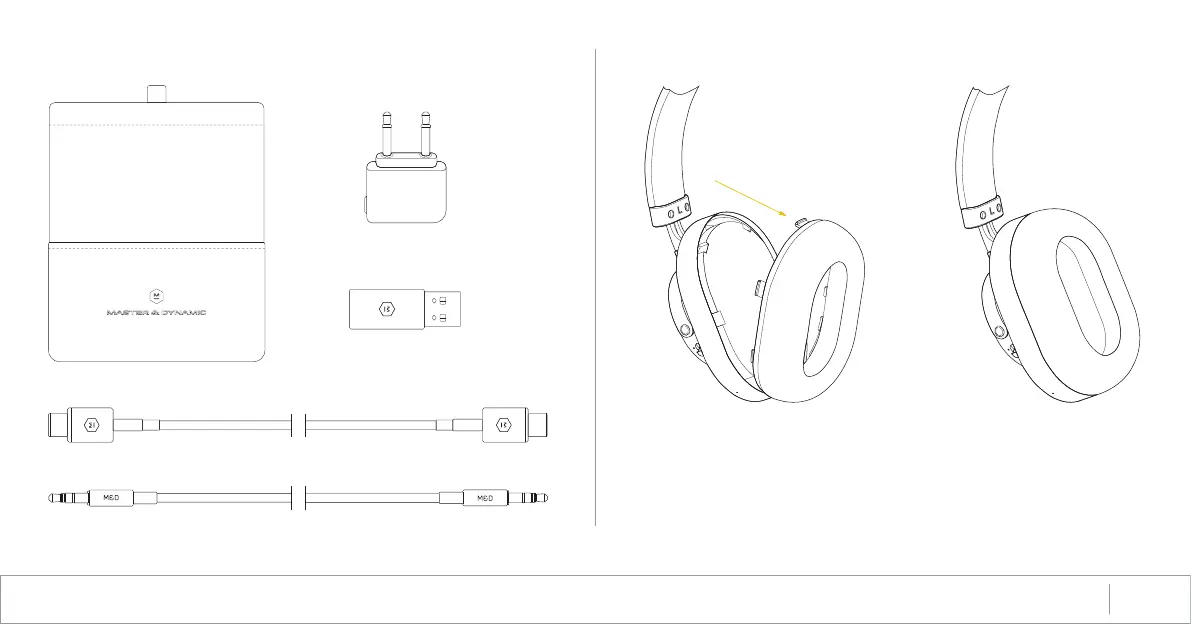
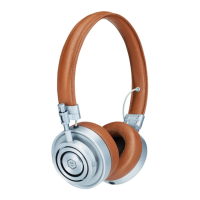
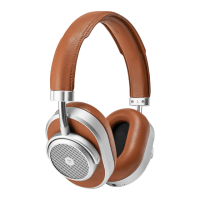
• To remove ear pads: gently pull the earpads from the top. The snaps
will release.
• To re-attach ear pads: hook the 2 catches into the slots at the bottom of
the earcup. Gently push the earpad against the earcup, ensuring all the
snaps are secured
ACCESSORIES REPLACING EAR PADS
MW65 Active Noise-Cancelling Wireless Over-Ear HeaphonesUSER MANUAL 7
1.25m Standard 3.5mm Cable
USB-C Chargign Cable
Headphone Pouch
USB Adapter
Airplane Adapter






 To Next Page