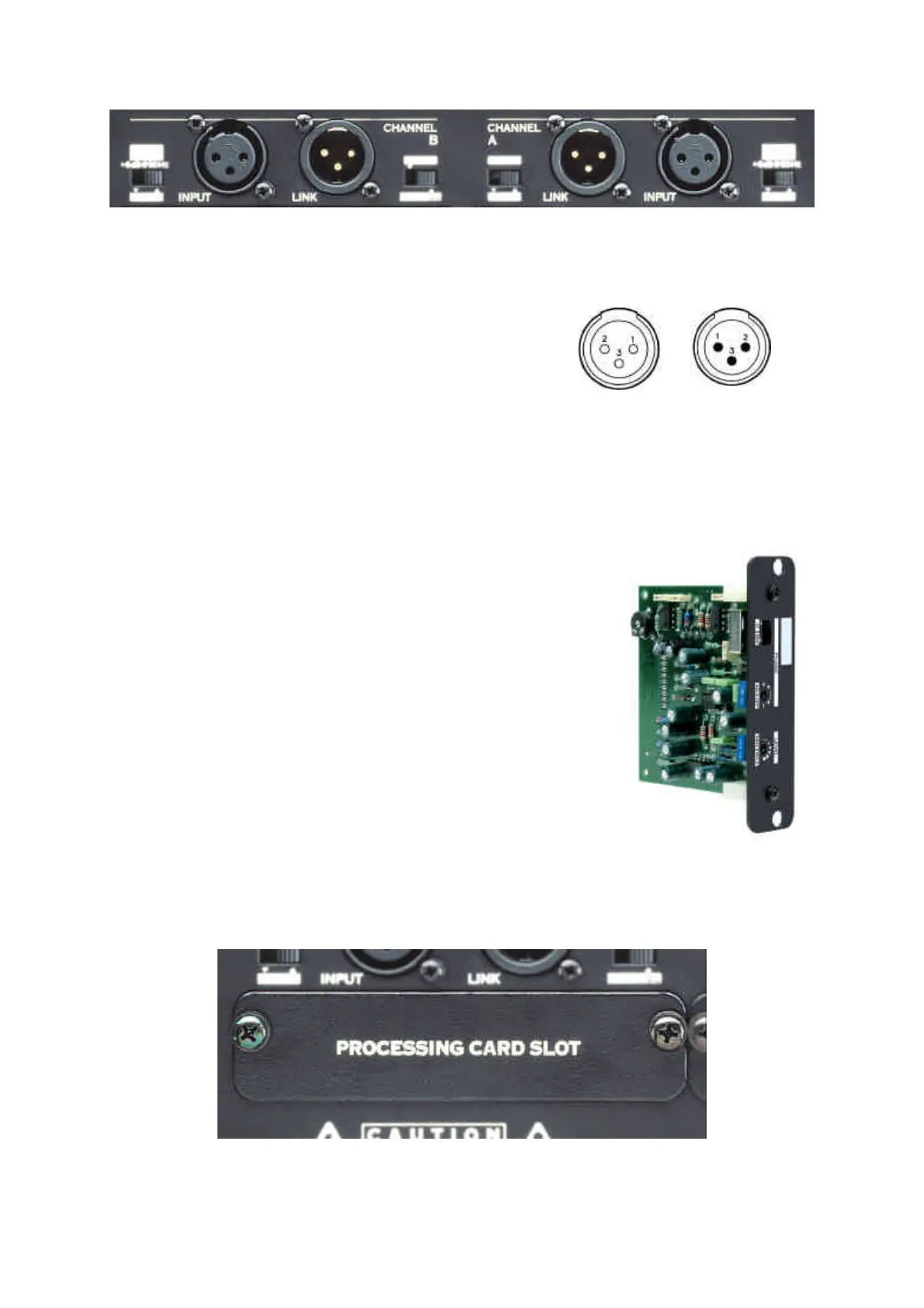
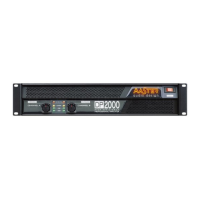
BALANCED Inputs:
1. Ground
2. (+) Live
3. (–) Return
UNBALANCED Inputs:
1. Ground
2. (+) Live
3. Ground
10 - CONNECTION OF THE PROCESSING CARDS
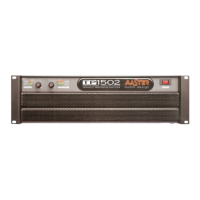
The Processing Cards (Optional Accessory) have been
designed to control the output frequency of the amplifier,
with the Cut and the Slope most suitable for each System.
Also to prevent the presence of external oscillations or
imperceptible buzzing that could destroy the loudspeakers
(Sonic Filter). To optimize the frequency response adapted
to the needs and features of each transducer. And to
control over the Phase alignment when this is required by
the installation.
The Processing Card Inputs are located in the rear panel, by removing the metallic
covers “PROCESSING CARD SLOT”.



 To Next Page