Need help?
Do you have a question about the Master Audio Design DP 5000 and is the answer not in the manual?
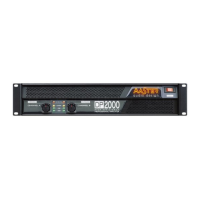
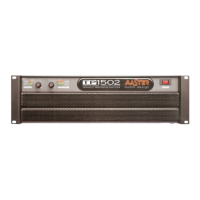
Details on On-Off switch, volume potentiometers, signal indicators, and mode indicators.
Details on ventilation, power supply, loudspeaker outputs, LEDs, and mode selectors.
Instructions for connecting speakers in stereo mode, including selector settings.
Instructions for connecting speakers in bridge (mono) mode, including selector settings.
Instructions for connecting speakers in parallel mode, including selector settings.
Details on XLR input and balanced signal connections.
Information on connecting optional processing cards for frequency control.
 General
| Brand | Master Audio Design |
|---|---|
| Model | DP 5000 |
| Category | Amplifier |
| Language | English |


 To Next Page