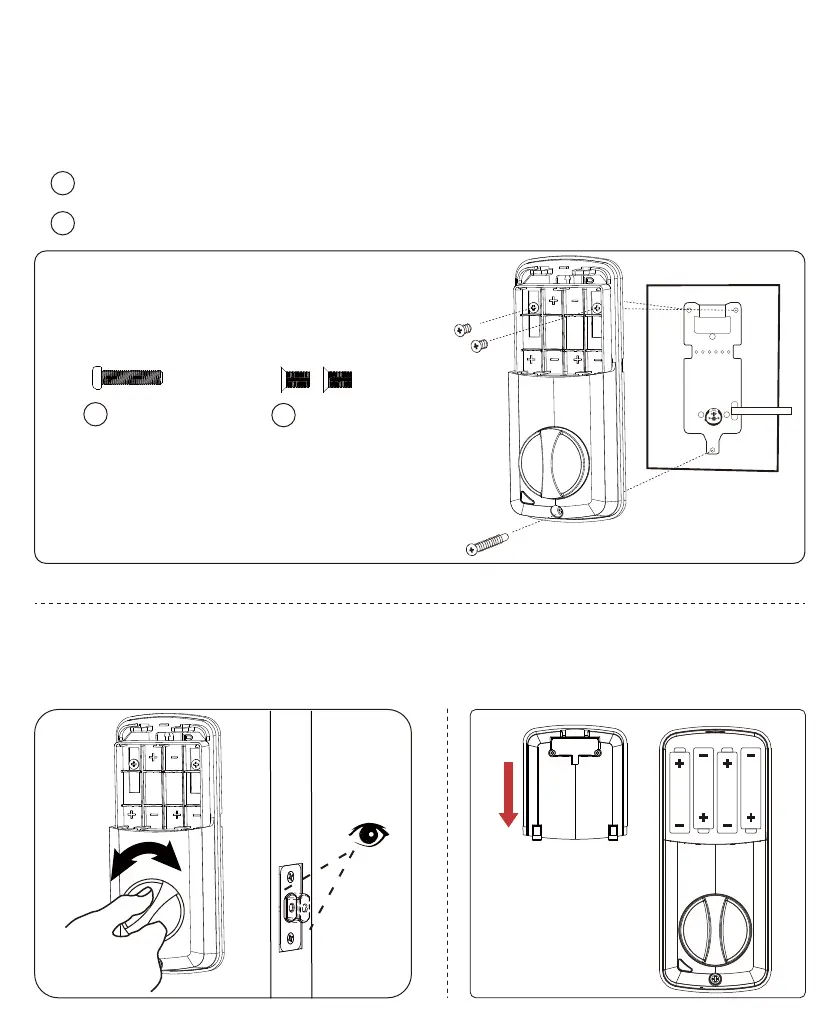
Step 11: Insert the batteries and put
the battery cover back on.
Step 10: Test the smart lock
Inside
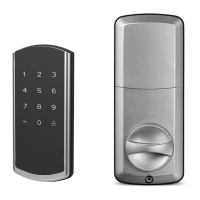
Step 9: Mount the smart lock onto the door
Please screw the smart lock in the following order:
Screw the smart lock with 1 smart lock screw.
Screw the battery cover with 2 battery cover screws.
1
1
2
2




 To Next Page