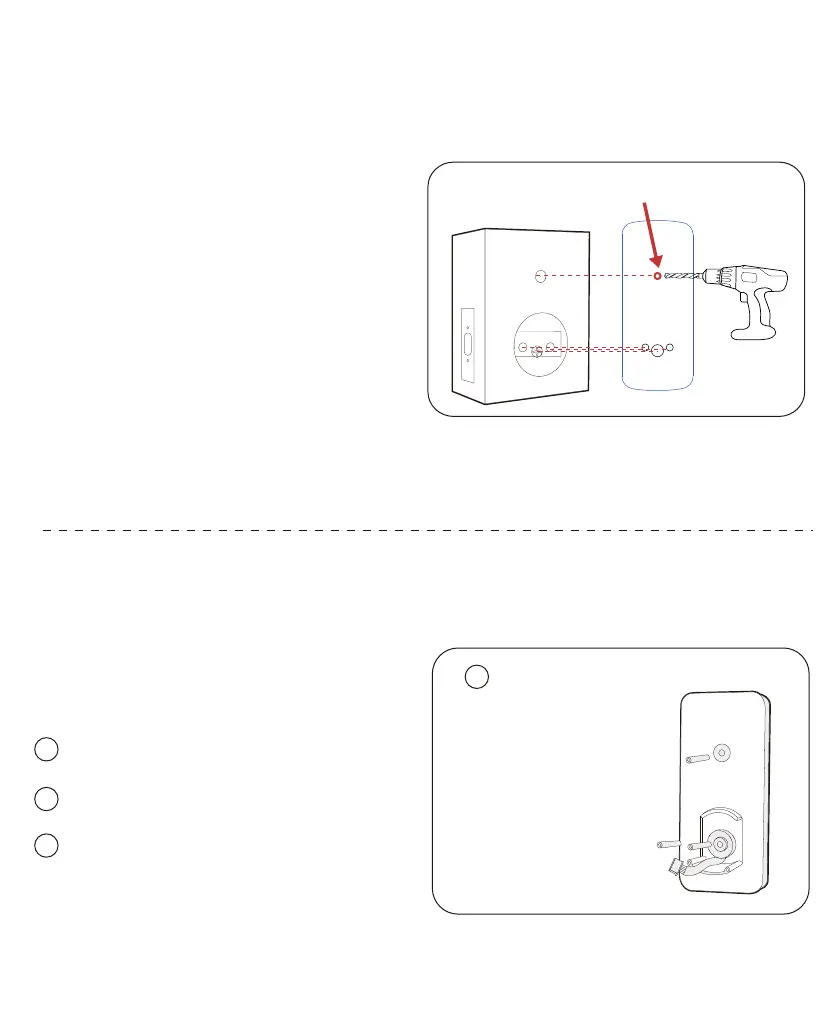
Step 3: Install the keypad on the outside of the door
1
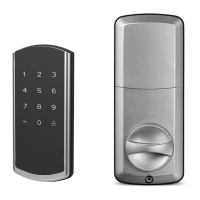
Screw the standoff spacer into the keypad.
2
Run the cables through the hole BELOW the deadbolt.
Turn the “+”hole and ensure the deadbolt extend-
retract smoothly.
3
Standoff Spacer(30mm)
(optional)
Back of Smart Lock Keypad
Standoff Spacer(20mm) *2
1
Step 2:
Drill the fixing hole on the door
(optional)
Positioning the template to the
deadbolt hole and drill a fixing hole.
Fixing Hole



 To Next Page