49DO NOT DIVE.
Spa Controls
TIME-OF-DAY
BE SURE TO SET THE TIME-OF-DAY
Setting the time-of-day is important for determining filtration times and other background fea-
tures.
“Set Time” will appear on the display if no time-of-day is set in the memory.
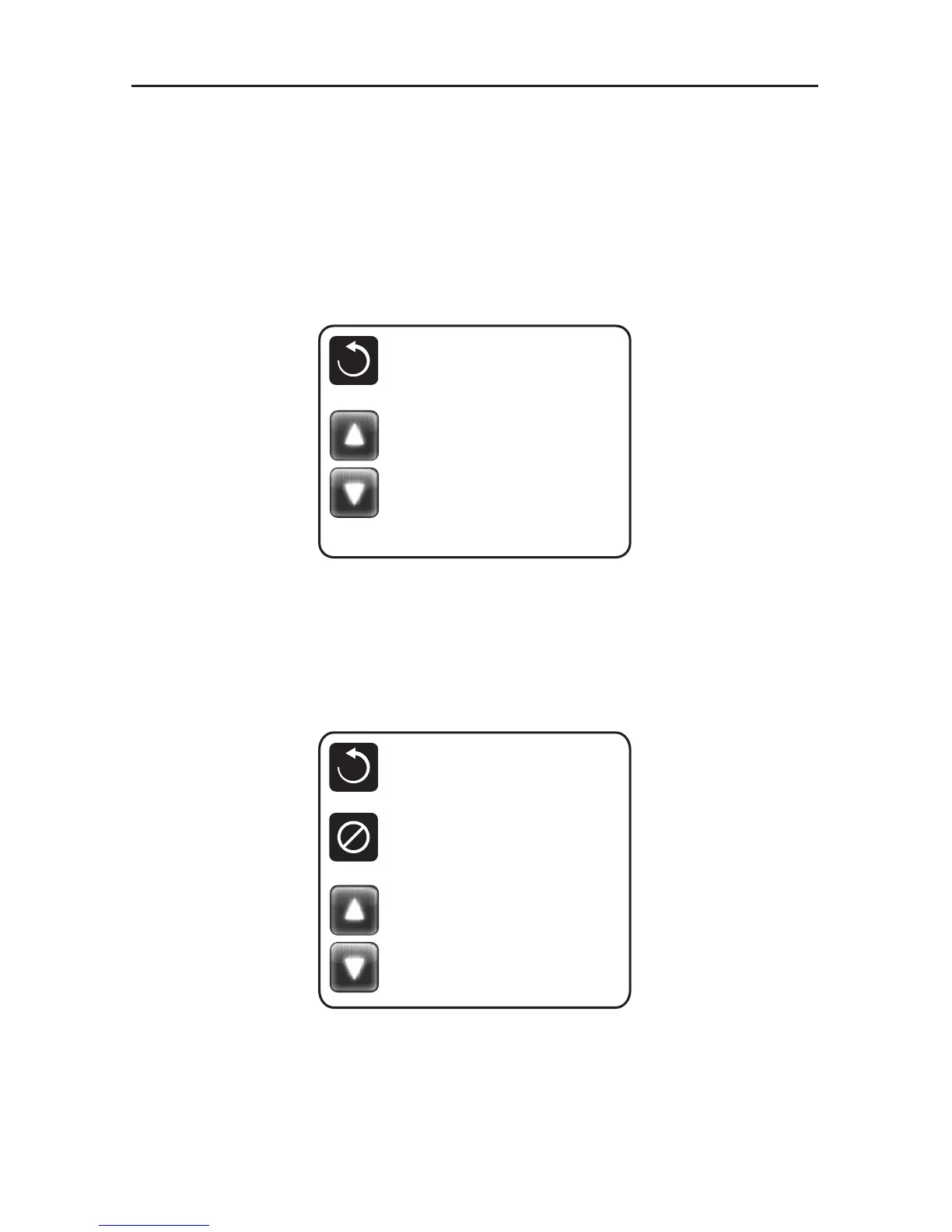
On the Settings Screen, select the Time-of-Day line. On the Time-of-Day screen, simply touch
the time to select the Hour, Minutes, AM/PM and 12/24 Hour segments. Use the Up and Down
Buttons to make changes.
SAVING SETTINGS
The Time-of-Day screen is a simple, editable screen that illustrates a feature of the control that
applies to all other editable screens as well.
When changes are made, touch the back button to save the setting or touch the cancel icon to
exit without saving changes.
NOTE:
If power is interrupted to the system, Time-of-Day will be maintained for several days.
Time of Day
Back
12 :00 PM 12 HR
Time of Day
Back
12 :00 PM 12 HR
Cancel
Save
10:05 PM 12 HR



 To Next Page