22
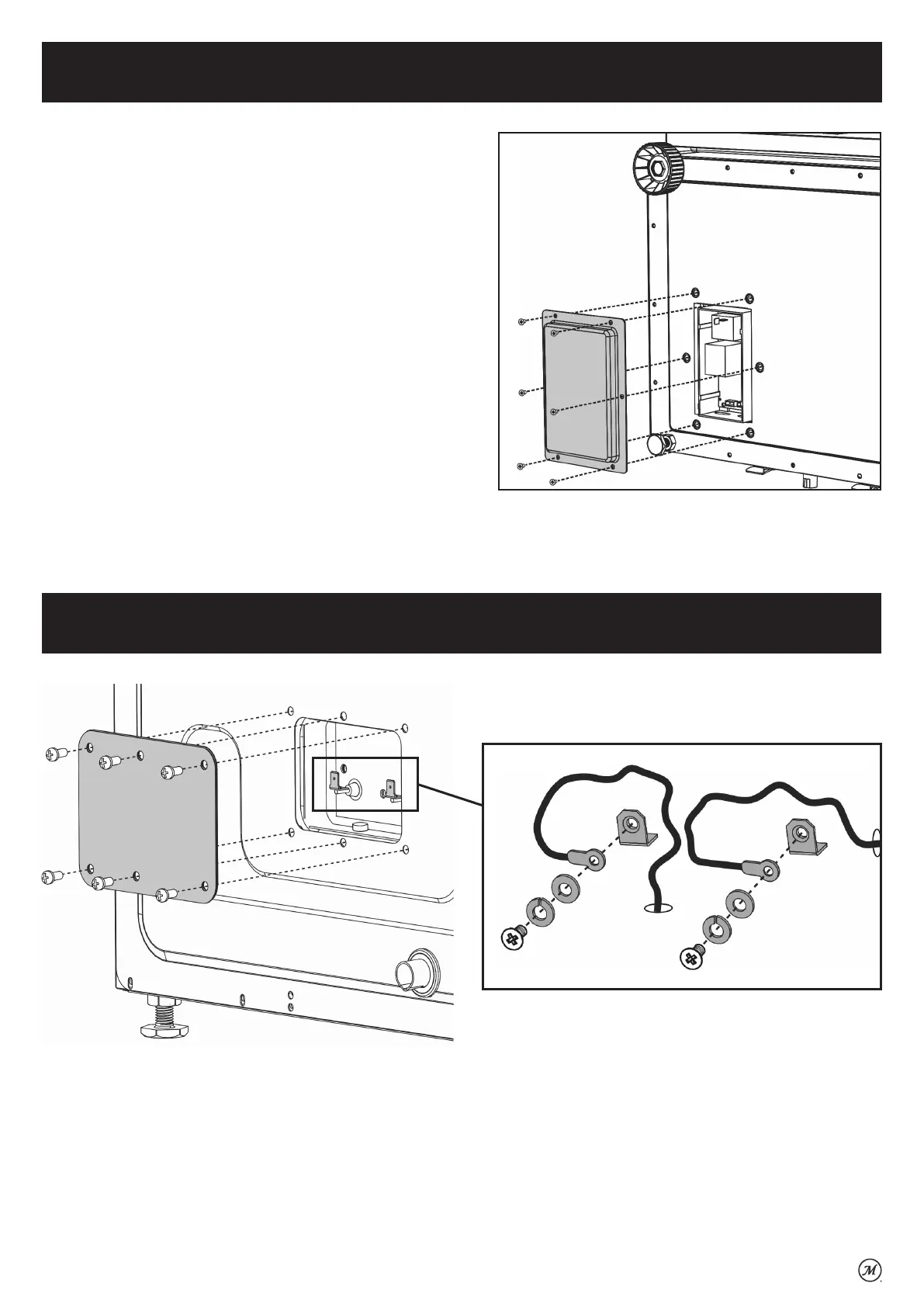
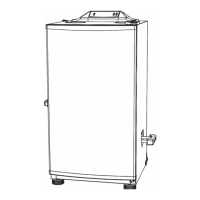
Power Circuit Board (PCB) Access
Tool needed for access: Phillips head screwdriver, pliers.
DIRECTIONS:
• Turn the smoker off.
• Unplug the smoker from power source and allow to fully cool.
• Locate the access panel for the power circuit board on the
bottom of the smoker.
• Remove the six (6) screws and remove the access panel cover.
• Carefully remove and reconnect each wire one at a time to
ensure that each wire is reconnected to its proper location.
Removal may be easier with the use of pliers.
• Replace the access panel cover and secure with the six (6)
screws.
DIRECTIONS:
• Turn the smoker off.
• Unplug the smoker from power source and allow to fully cool.
• Remove six (6) screws and access panel cover from back of smoker.
• Carefully pull back the protective covering from the two element terminals and ensure that the screw connections are tight and
secure.
•
Replace the access panel cover and secure with six (6) screws.
Tool needed for access: Phillips head screwdriver.
Element Access



 To Next Page