CHARGING THE BATTERY PACK
WARNING: Only use the charger
supplied with this tool or a
PowerXchange diagnostic charger to
charge the following Mastercraft
batteries:
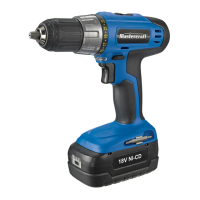
● 18 V Ni-Cd #54-3102-2
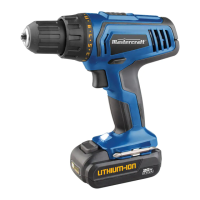
● 18 V Lithium-ion #54-3100-6
Charging any other batteries may damage
the charger, and possibly cause serious
injury.
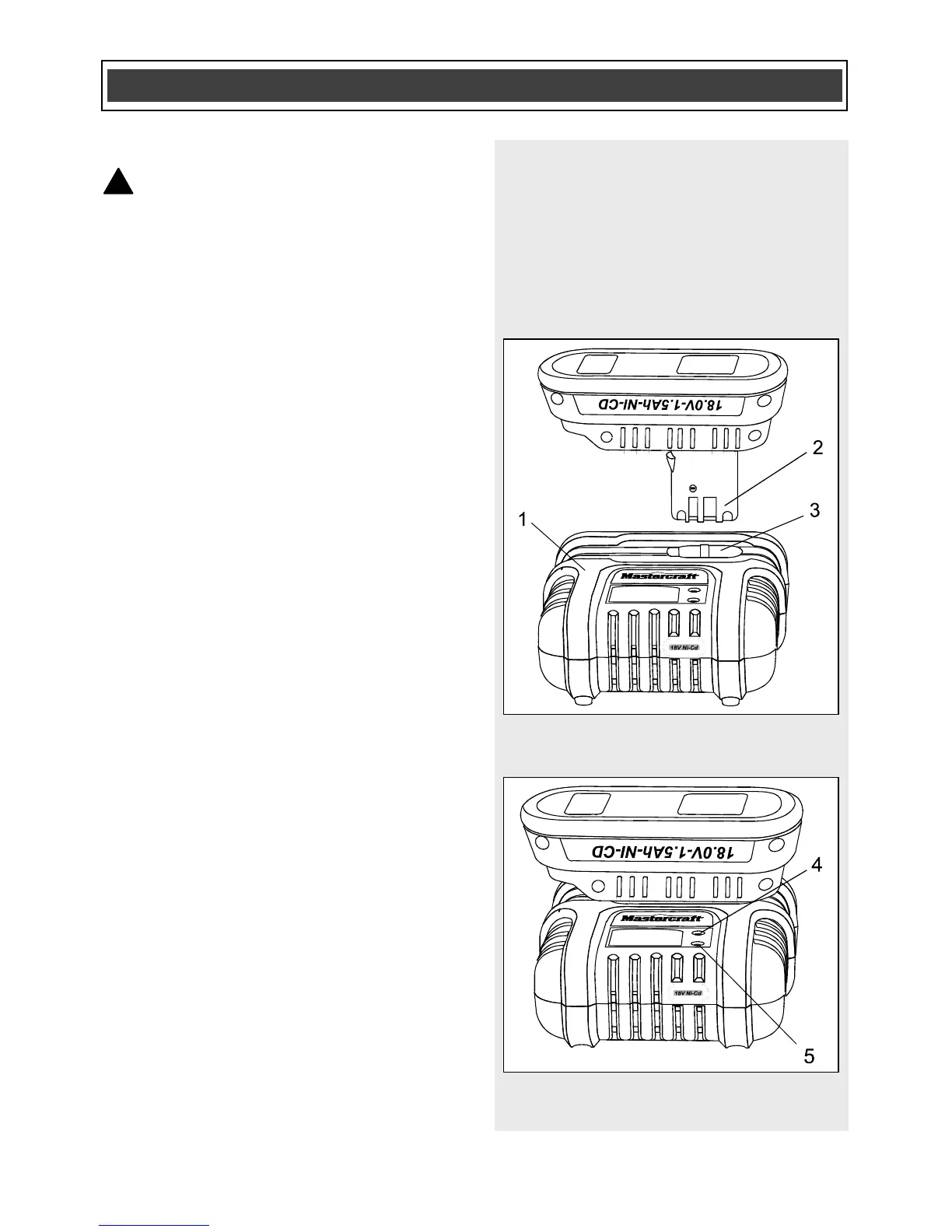
1. To charge the battery, place the
charger (1) in a dry location near a
110–120 V, 60 Hz electrical outlet
(Fig. 1).
2. Place the battery stem (2) into the
matching cavity (3) in the top of the
charger.
NOTE: Make sure the battery is pressed
fully onto the charger as far as it will go.
3. Plug the battery charger into the
110–120 V, 60 Hz wall receptacle.
NOTE: Do NOT charge Ni-Cd or Ni-MH
batteries when the temperature of the work
area or the battery is above 55° C
(131° F). Do NOT charge Li-ion batteries
when the work area or the battery
temperature is at or below 0°C (32° F) or
above 45°C (113° F).
When the battery charger is plugged into a
“live” receptacle, the battery charger will
begin charging the battery. The red LED
(4) and the green LED (5) on the top of the
charger will indicate the charging status
(Fig. 2).



 To Next Page