SETU VTEP configuration guide for Elastix Page | 12
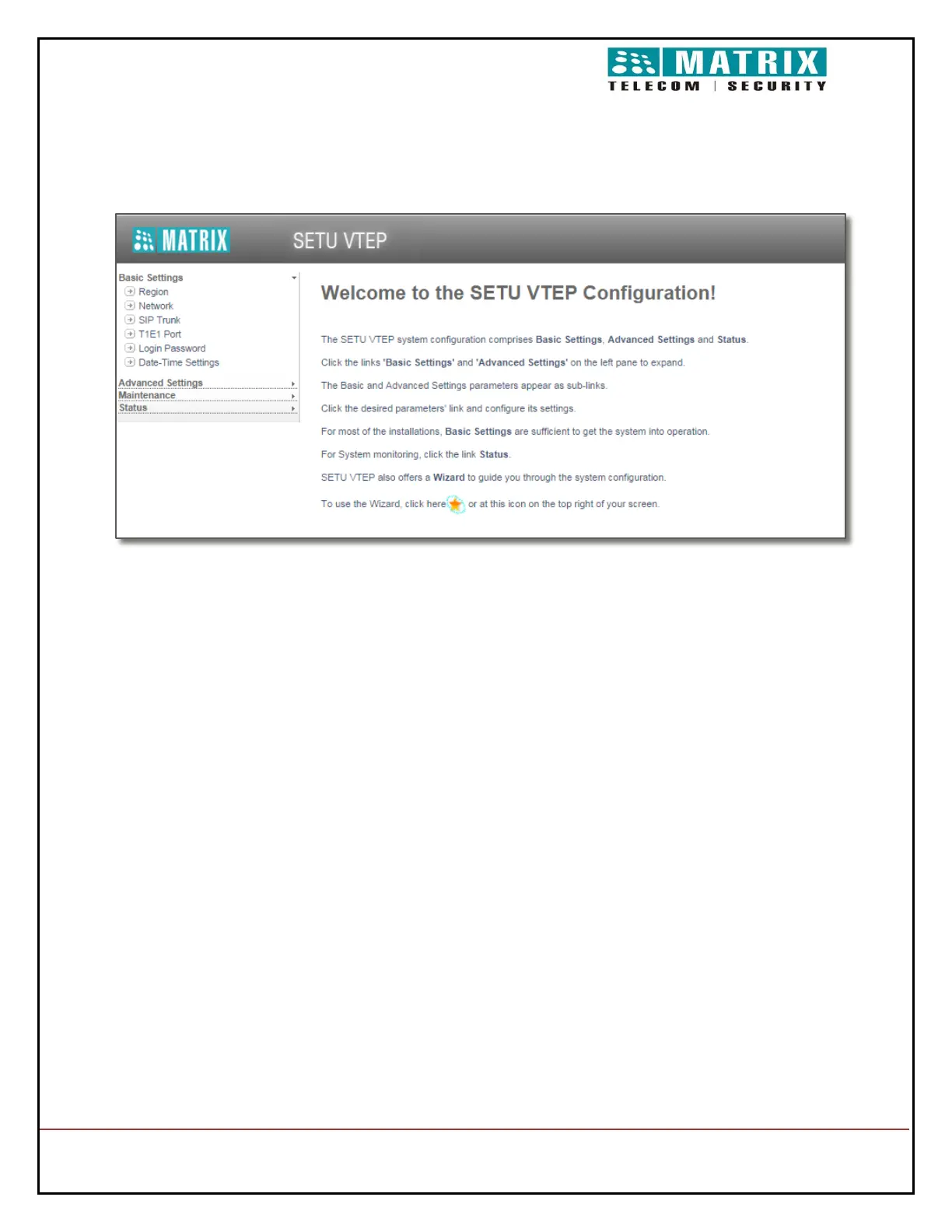
On successful login, the home page opens
Under Basic Settings on the left navigation bar, click the SIP Trunk link. The SIP Trunk
parameters page opens.
On the SIP Trunk page, choose any SIP Trunk number from 01 to 32 to register with
Asterisk, by clicking the SIP trunk number tab; for example, SIP Trunk number 1.
For the SIP Trunk number you select, make sure the SIP Trunk Enable check box is
selected.
Assign a Name to the SIP trunk as identification; for example, Elastix.


 To Next Page