SETU VTEP configuration guide for Elastix Page | 4
SIP Trunk configuration in Elastix for SETU VTEP
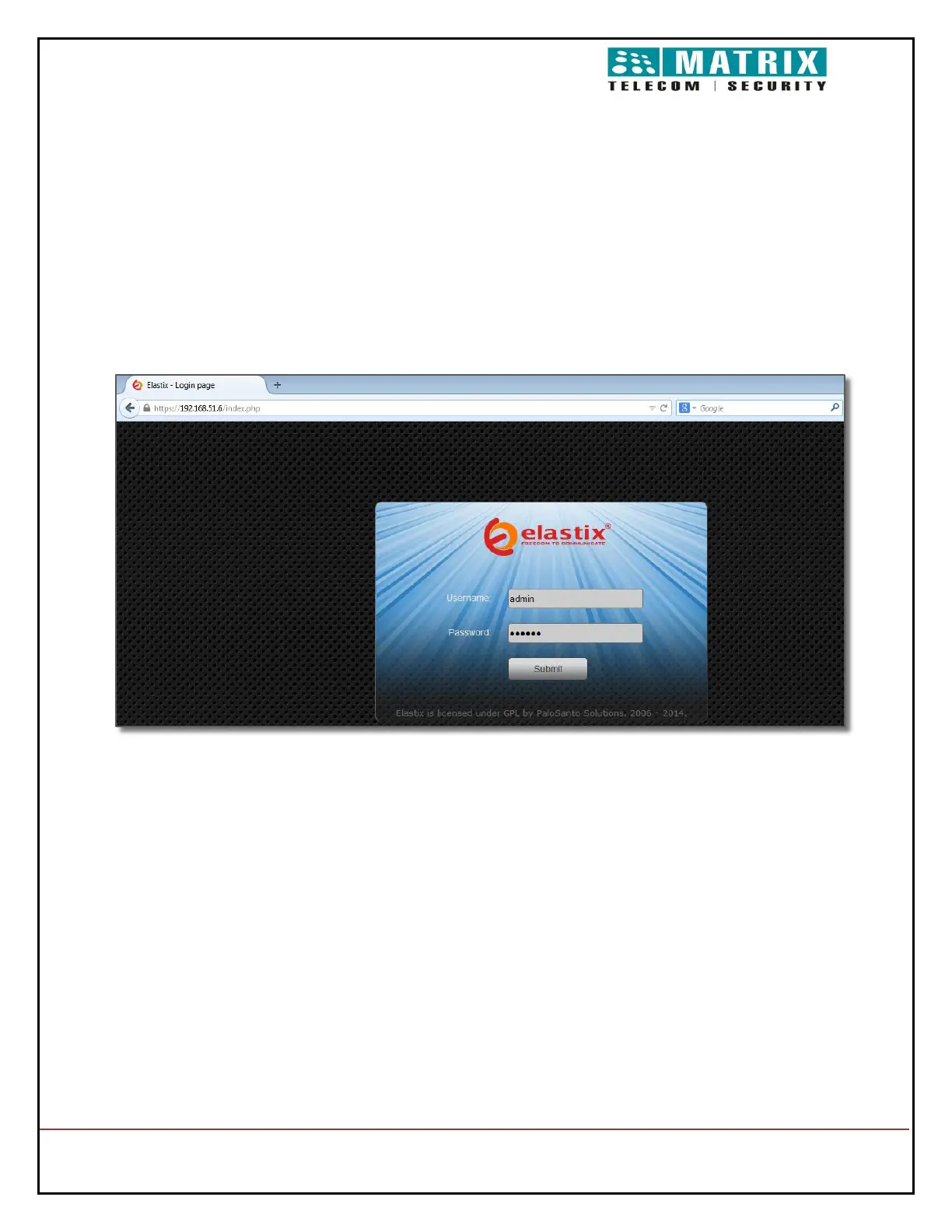
Open the Web GUI of Elastix server in web browser as shown below (IP of server will be
same as IP of System on which Elastix is installed).
http://192.168.51.6/admin/config.php# (here, 192.168.51.6 IP is allocated for Elastix WEB
GUI access)
Enter username & password as entered while installing Elastix.
Default username: admin, Password: admin
On Successful login home Page opens
On the top of the screen, click on PBX Configuration menu. To add a Trunk select Add
SIP Trunk in Trunk menu


 To Next Page