SETU VTEP configuration guide for Elastix Page | 7
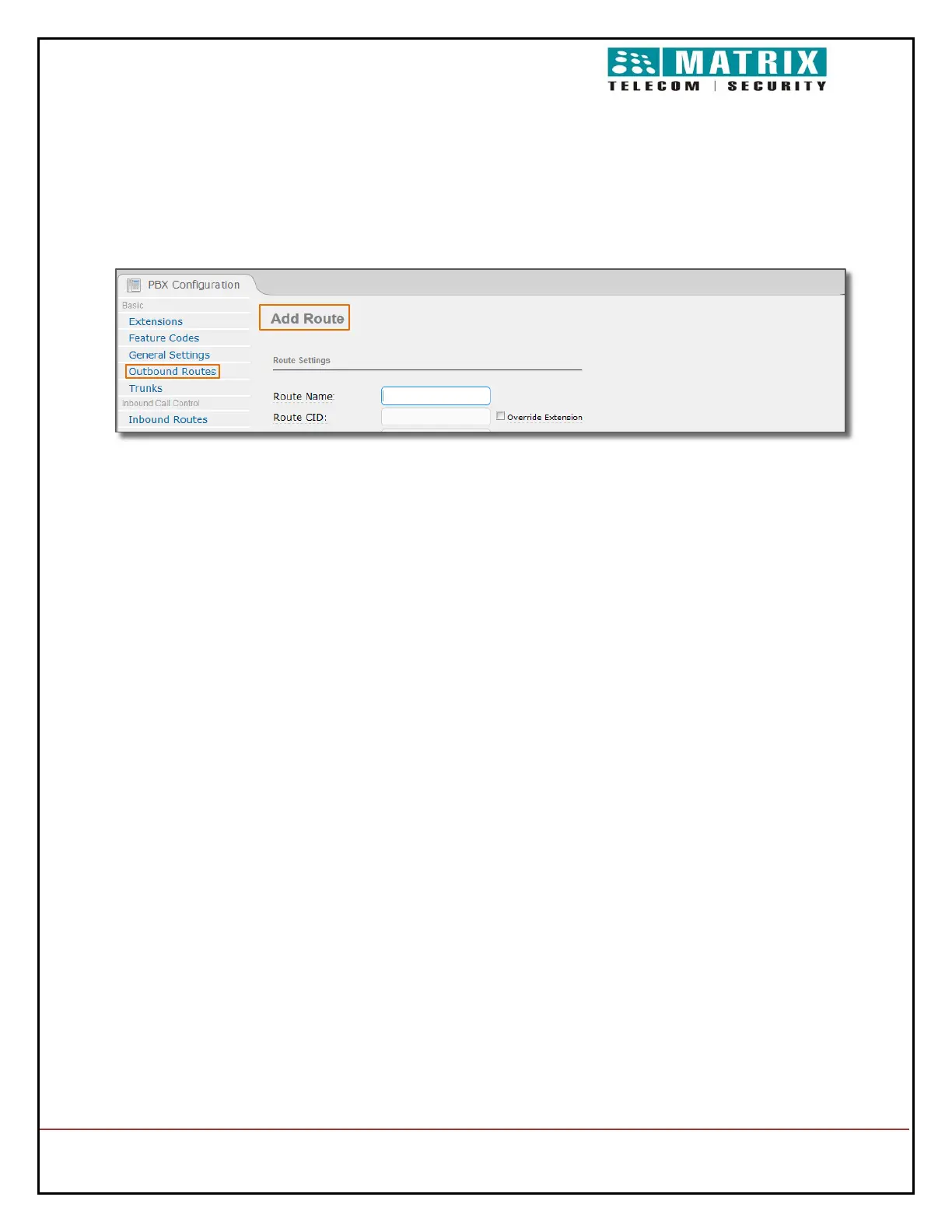
Outgoing Call Configuration in Elastix:
Open Outbound Routes.
In Route Name field configure any desired Rule Name ( interop name used in this
Example)
In Dial Pattern field configure desired number pattern which has to be routed via VTEP
(_1. Used in this example, all Outgoing numbers with prefix 1 has to be routed via VTEP)
Prefix can be used before dialing the desired number. ( 9 used in this example)
Configure desired caller id in Caller ID field
In Trunk Sequence for Matched Routes configure the SIP trunk which we created.(In
this example, we have created VTEP)
Click on Submit Changes and Apply Configuration Changes Here as well.


 To Next Page