www.szmatrix.com
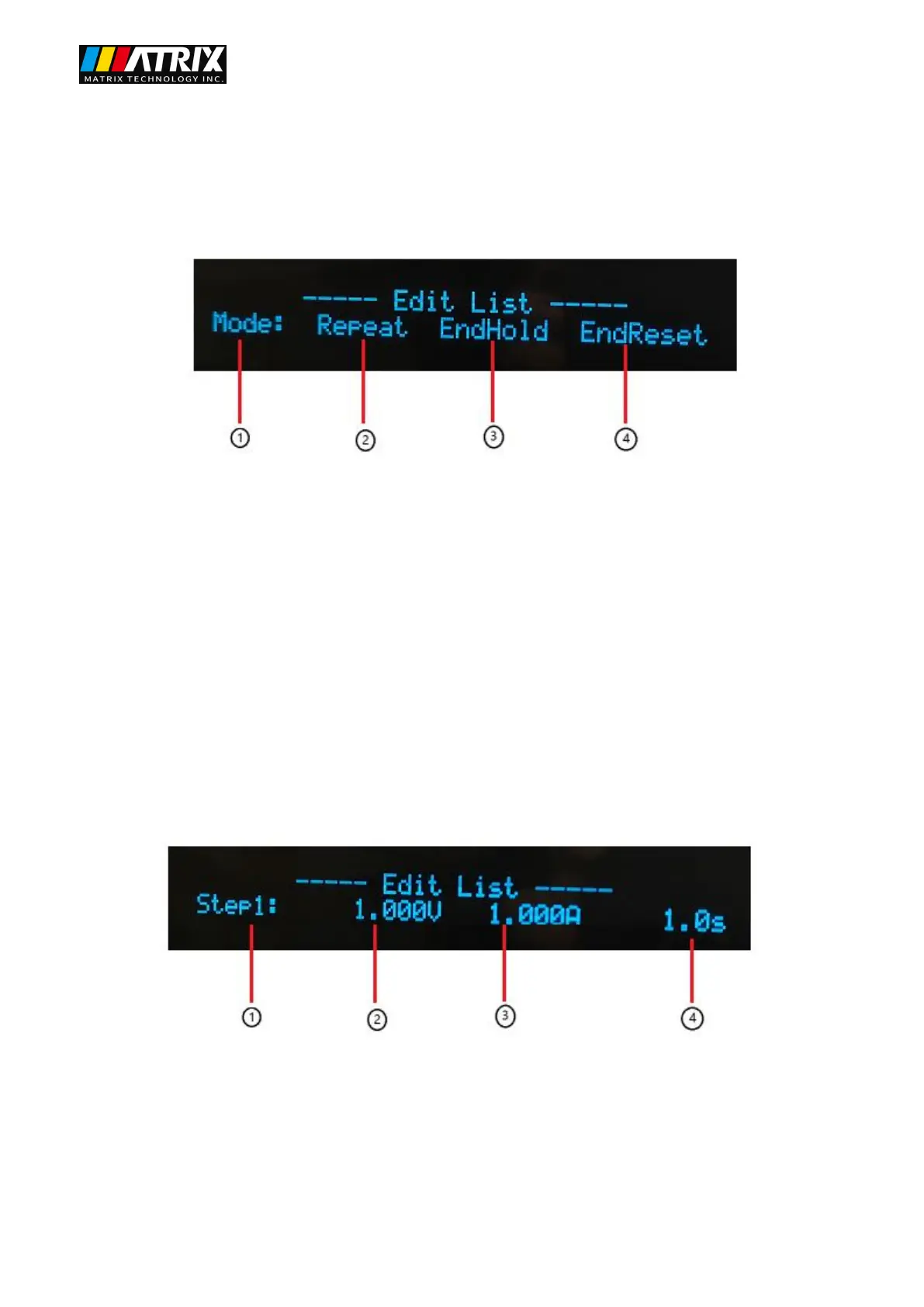
After setting the total list steps, press the "Enter" key to automatically enter the list mode
editing, the display is as follows:
①List test execution mode.
② Repeat the execution of the list parameter.
③ After the list parameter is executed, the output state is maintained.
④ After the list parameter is executed, keep it closed.
After selecting any list test execution mode, press the "Enter" key to automatically enter the list
parameter editing display as follows:
①The currently edited list step can be switched by pressing the ▲ and ▼ keys.
②List the voltage parameters, use the numeric keyboard to modify the parameters, press "Enter" to confirm
and enter the next parameter setting.
③ List the current parameters, use the numeric keyboard to modify the parameters, press "Enter" to confirm
and enter the next parameter setting.


 To Next Page