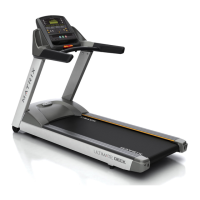
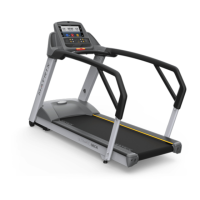
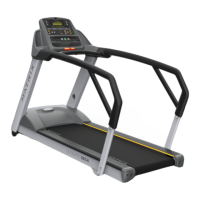
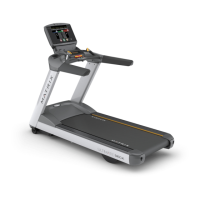
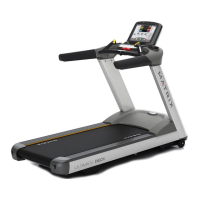
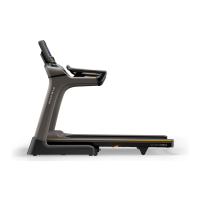
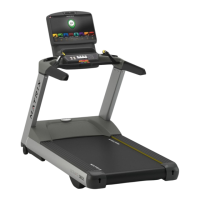
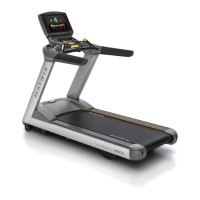
Put the handle bar into the handle bar frame. Use the handle bar cap (N06,
N07) to secure the handle bar. The handle bar caps are separate right and left,
make sure these caps are in the correct position.
Place the motor cover onto the treadmill front end and secure with the screws (Z53) provided. Plug the power
• Press and hold both incline “UP” and speed FAST buttons simultaneously for 3 seconds .Then the “ENGINEERING MODE” is shown onto the console.
• Press the incline “UP” button to fi nd the “AUTO CHECK” screen.
• Press the incline “SELECT” button and then, the treadmill will run the auto check function automatically. This will take around 3 minutes to run.
• After auto check is complete “AUTO CHECK OK” will show on the console. Then, press EMERGENCY STOP key to back to initial starting screen.



 To Previous Page