Matrox D-Series – User Guide 15
Matrox D1450 and D2450
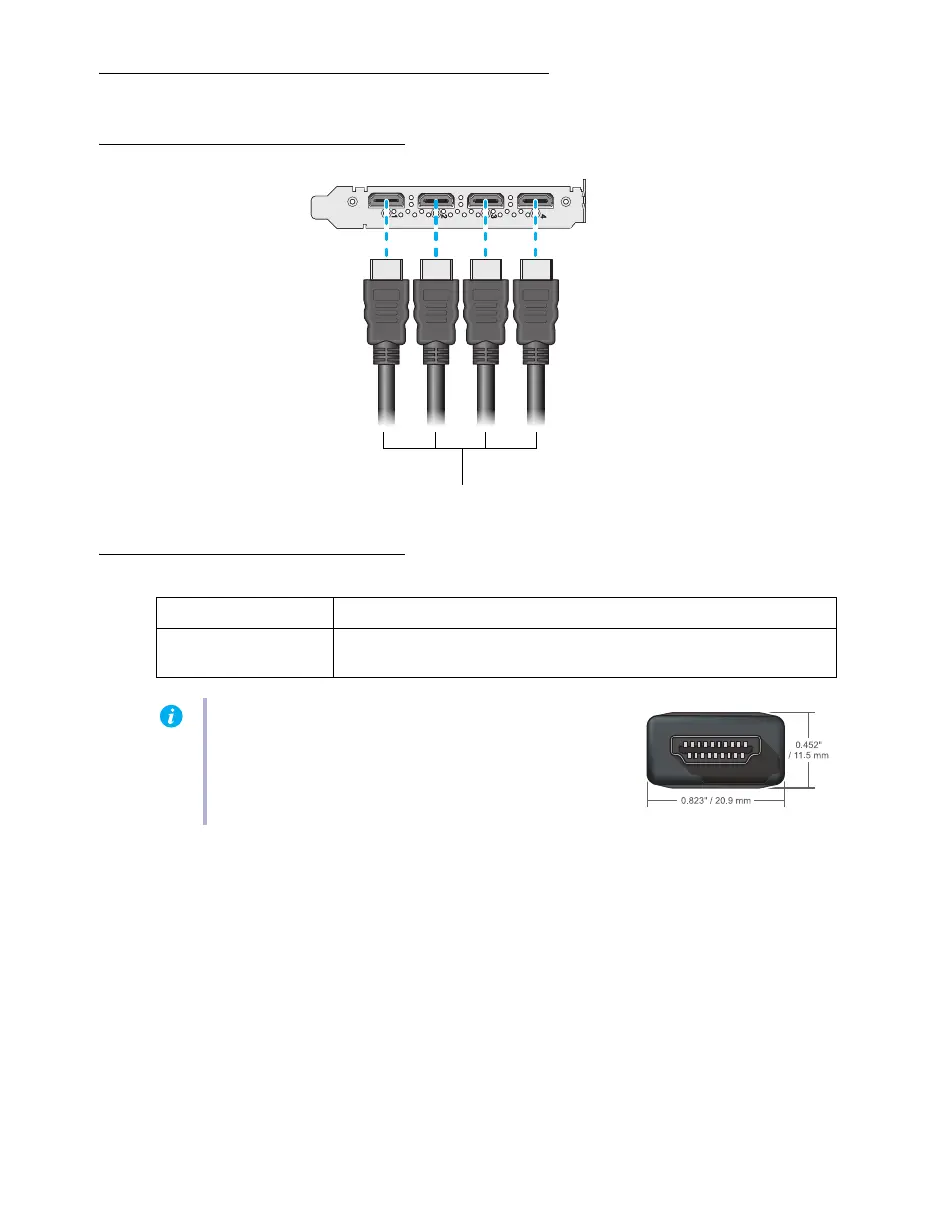
Connection overview
Description of supported connections
Your Matrox card is now installed. Restart your computer and install your Matrox software (see
“Installing your Matrox software”, page 17).
Device connector Description
HDMI Connect one end of your HDMI
®
to HDMI cable to your Matrox card.
Connect the other end of the cable to your monitor.
Note:
To connect to the bracket of your Matrox product, the
overmold (or boot) of the HDMI connectors must respect
the maximum width (0.823 inches/20.9 mm) and thickness
(0.452 inches/11.5 mm) stated in the HDMI specifications.











 To Next Page