16 Matrox D-Series – User Guide
Matrox D1480 and D2480
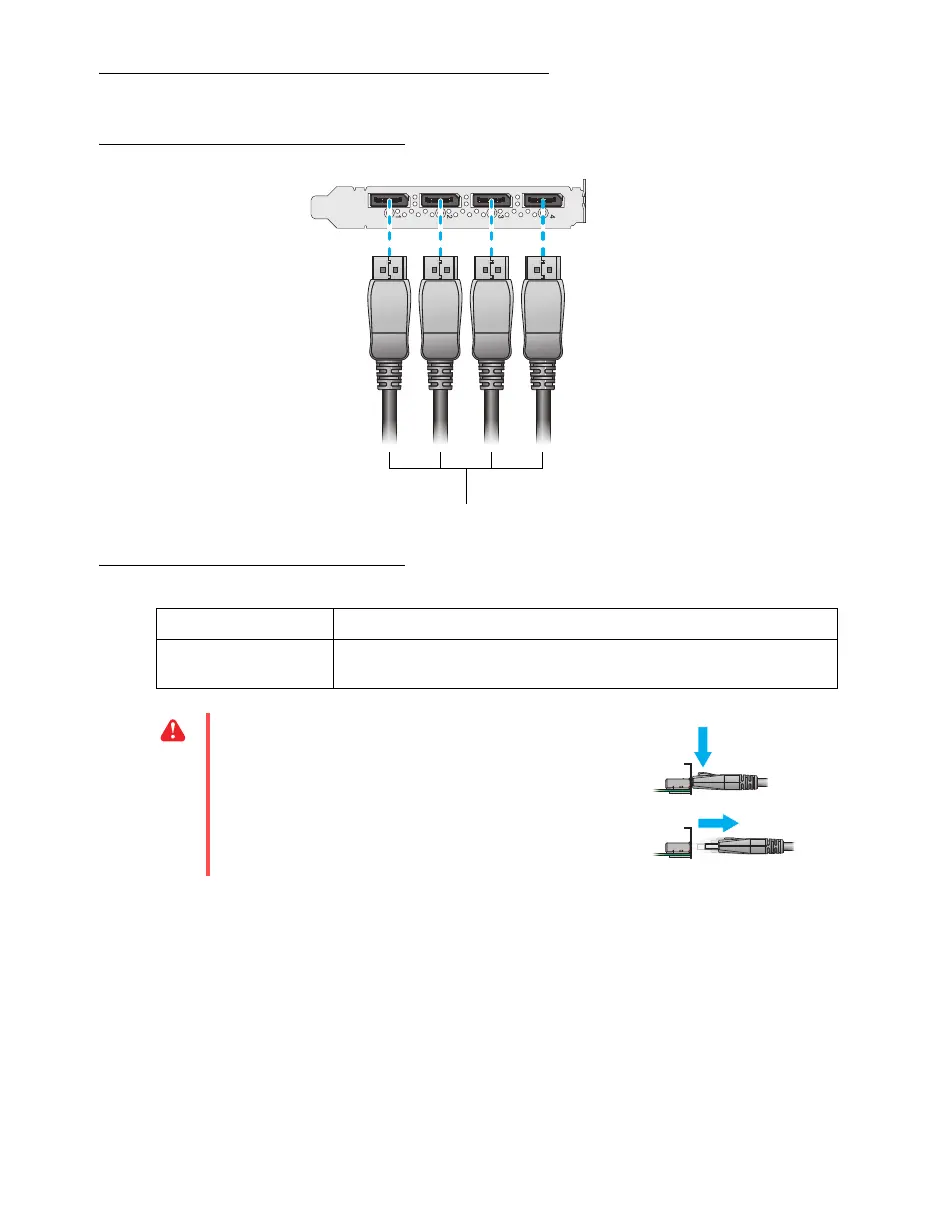
Connection overview
Description of supported connections
Your Matrox card is now installed. Restart your computer and install your Matrox software (see
“Installing your Matrox software”, page 17).
Device connector Description
DisplayPort Connect one end of your DisplayPort
™
to DisplayPort cable to your
Matrox card. Connect the other end of the cable to your monitor.
WARNING:
To avoid damaging the DisplayPort
connector on your DisplayPort monitor cable
or on your Matrox product, carefully remove
the DisplayPort cable by pressing the latch on
the top of the DisplayPort connector while
removing the connector.
DisplayPort to DisplayPort cables











 To Next Page