45
Cleaning the Heat exchanger
• Allow the heat exchanger to cool down before cleaning.
• Do not touch the heat exchanger ns.
1. Turn o the dryer and remove the plug from the mains. Allow the dryer to cool down.
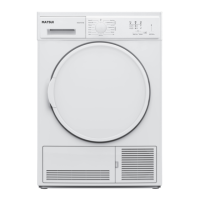
2. Open the heat exchanger ap on the front of the dryer.
3. Release the blue clips and remove the cover.
4. Remove any dust or u from the heat exchanger by vacuuming the ns, clean between all
the metal ns. Be careful not to touch the ns as you may damage them.
5. Replace the cover and close the blue clips.
6. Close the heat exchanger ap on the front of the dryer.
Cleaning the Humidity Sensor
If you look inside the drum you will see 2 metal strips. They are at the front of the drum behind
the lint lter. These need cleaning from time to time at least 4 times a year.
• Allow the dryer to cool down. Open the door, you might want to remove the lint lter so you
can access the sensor easier.
• Wipe the sensor with a damp cloth, remove any lint or u is there is any stuck to the sensor.
Do, not use any cleaning products when cleaning the sensor.
Matsui 8 kgs Heat Pump Tumble Dryer MHP8W19E Manual.indb 45 15/02/2019 11:41


 To Next Page